


Posted on 18 May 2026
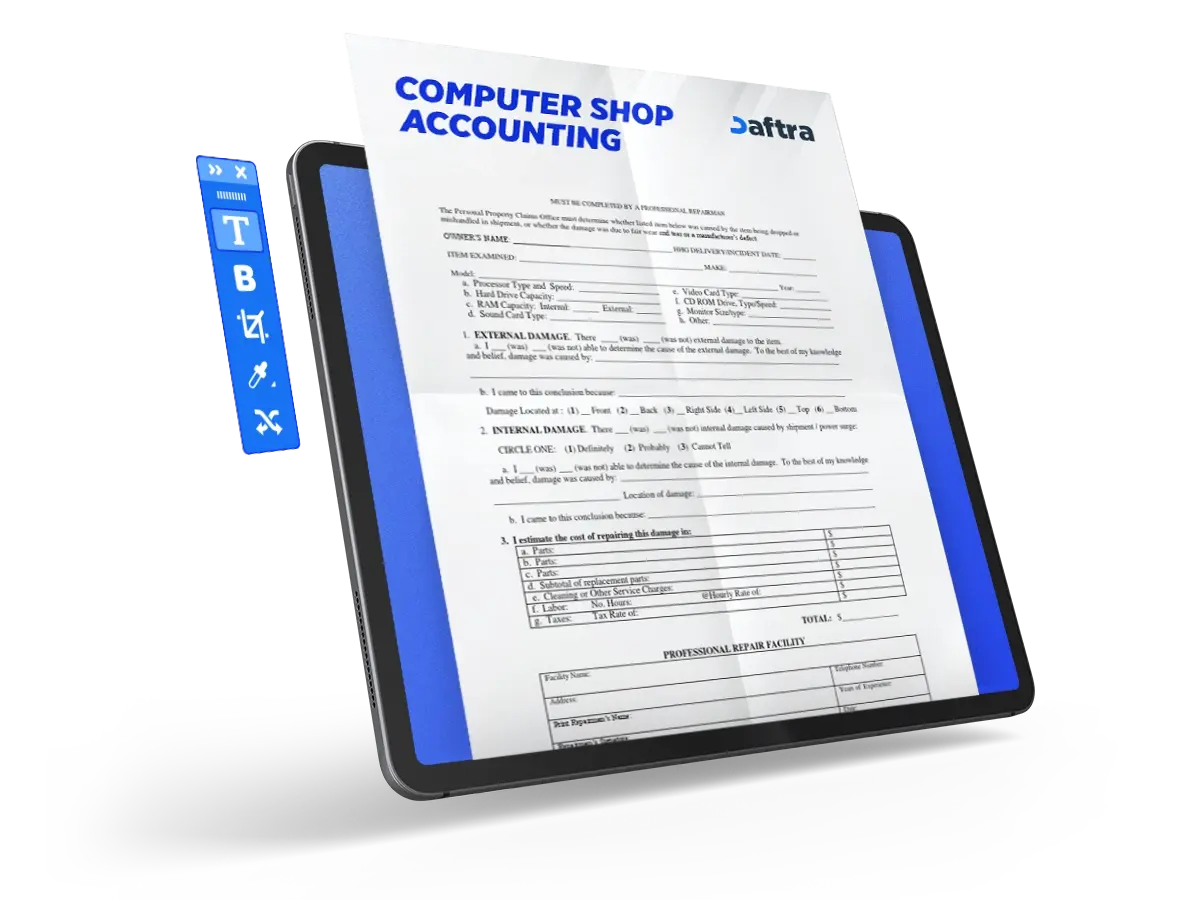
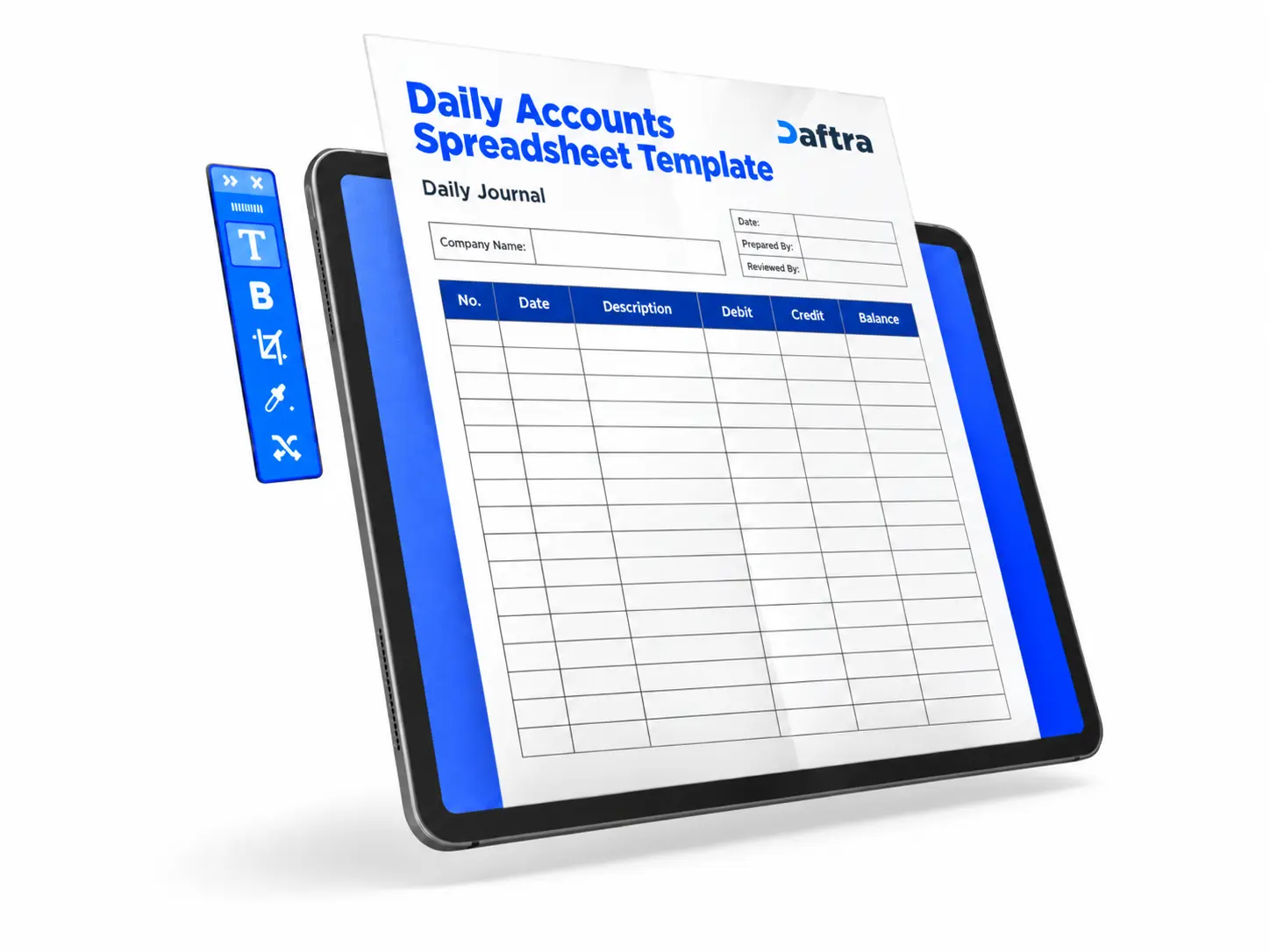
Accounting Ledger template for a computer store’s
- A computer store accounting management file is a structured record used to track all financial transactions, including sales, expenses, inventory, and payments.
- Its value lies in helping you monitor income and expenses and analyze profit and loss performance.
- Daftra Accounting Software is a fully integrated cloud-based solution designed for computer store management. It streamlines sales operations, inventory tracking, invoice and point-of-sale management, and the generation of accurate financial reports.


 Automate Your Computer Store Accounting with Daftra
How do you set up an accounting ledger for a computer store?
You can build and organize a computer store accounting ledger in a structured way using either an Excel spreadsheet or a fully integrated accounting system. The process involves a set of steps that help you record every transaction and monitor store performance accurately:
1. Record daily revenue
Enter all sales of computers and hardware components daily, whether paid in cash, by card, or through other payment methods. Each invoice should include prices, discounts, and taxes.
2. Enter expenses and costs
Record all expenses, such as inventory purchases from suppliers, shipping costs, and operating expenses so that you can track and control spending effectively.
3. Update inventory records
Create an inventory section that includes all devices and parts along with their details, such as brand, model, and serial number. Update quantities whenever a sale is made or new items are added to avoid stock shortages or overstocking.
4. Track payments and installment plans
Record customer payments, whether made in full or through installment plans, and monitor due dates to ensure timely collection of outstanding balances.
5. Organize sales transactions at the point of sale
Use a point-of-sale (POS) system to record transactions quickly, manage sessions and shifts, and accurately monitor cash movement in the cash register.
6. Monitor profit and loss
Use your revenue and expense data to calculate net profit or loss, giving you a clear view of the store’s financial performance.
7. Prepare and review reports regularly
Review financial, sales, and inventory reports regularly to analyze performance, identify issues, and make sound decisions that support higher profitability.
In this way, the computer store accounting ledger becomes a complete record that brings together sales, expenses, inventory, and payments, helping you manage your business efficiently and make decisions based on accurate data.
How can you manage the accounts of a computer store?
A computer store’s accounts can be effectively managed through an integrated accounting and point-of-sale system such as daftra, which allows you to oversee all financial and operational activities with accuracy through the following functions:
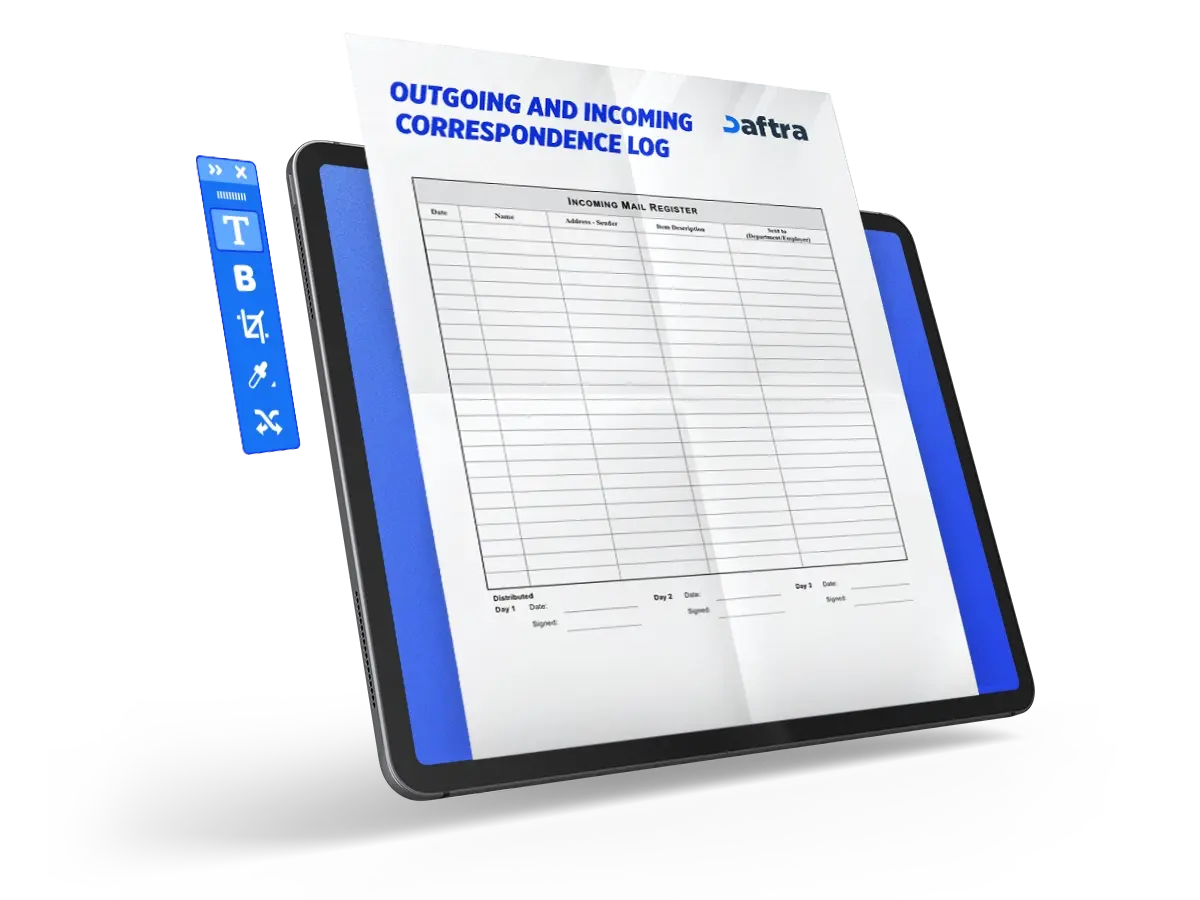
- Electronic invoicing: Create sales invoices that include pricing, discounts, and taxes, while recording all details of the products sold.
- Payment tracking: Monitor customer payments and offer multiple payment methods or installment plans to ensure receivables are collected on time.
- Expense management: Record and track daily expenses in an organized manner to improve cost control.
- Inventory management: Track computers and hardware components using
- barcodes or serial numbers, and maintain accurate visibility of available stock.
- Sales and POS management: Organize sales transactions through the
- cashier/POS system, manage sessions and shifts, and monitor cash movement in the register.
- Purchasing management: Record supplier purchase invoices and track product and shipping costs.
- Performance analysis and reporting: Generate detailed reports on sales, profit and loss, and inventory movement to support informed decision-making.
- Customer and staff management: Maintain customer records and transaction history, and organize employee roles and access permissions.
In this way, a computer store’s accounts can be properly controlled by recording all financial activities, linking them to sales and inventory, and continuously monitoring and analyzing them through one integrated system.
What is computer store management software?
Computer store management software is a cloud-based accounting system designed to streamline and manage all operations within a computer retail and maintenance business. It enables you to manage accounts and issue electronic invoices that include taxes and discounts, while also supporting installment plans to provide customers with flexible payment options.
The software also helps track inventory accurately, including computers and hardware components, using serial numbers, while organizing sales processes and sales staff management. In addition, it provides detailed reports to monitor performance and analyze results.
It also supports the recording of purchase invoices, expense management, and the generation of financial and tax reports with ease, giving you full control over store operations and helping you track profit and loss accurately.
What is the best accounting software for computer stores?
The best accounting software for computer stores is Daftra’s integrated accounting system, a comprehensive cloud-based ERP solution designed to manage resources and business operations for companies of all types and sizes.
Daftra stands out by offering a complete suite of tools, including electronic invoicing, tax management, payment tracking, expense management, inventory control, and customer management. It also provides accurate reporting and profitability analysis, enabling store owners to make informed decisions that support business growth.
In addition, the system supports HR and workforce management, offers a free trial, and comes with flexible subscription plans to meet different business needs. Combined with its user-friendly interface and dedicated technical support, this makes Daftra one of the leading accounting solutions for retail businesses.
What is a POS system for retail stores?
A retail POS (Point of Sale) system is a solution designed to manage and process in-store sales efficiently and quickly. It enables businesses to issue invoices, apply pricing, discounts, and taxes with ease, while maintaining accurate control over the cash drawer.
The system also helps manage sales sessions, employee shifts, and staff activity, while integrating with POS hardware such as barcode scanners and receipt printers to speed up product entry. In addition, it supports order and invoice tracking, returns processing, multiple payment methods, and sales reporting for clear visibility into product performance and profitability.
Overall, a POS system provides an integrated solution for organizing sales operations and enhancing the customer experience in retail stores.








 Invoicing
 POS
POS Offers
 Installments
 Sales Commission
 KSA E-Invoice Software
 EGY E-Invoice Software
 JO E-Invoice Software
 E-Invoice Software
 Chart of Accounts
 Asset Management
 Cost Centers
 Expenses
 Cheque Cycle
 UAE VAT-Tax
 Product Management
 Purchases
 Purchase Cycle
 Suppliers
 Requisitions
 Stocktaking
 Organizational Structure
 Personnel Management
 Attendance and Leave
 Contracts
 Payroll
 Requests
 Work Orders
 Booking Management
 Rental and Unit Management
 Time Tracking
 Work Flow
 Lease Contracts
 Manufacturing Management
  Client Follow-Up
 Loyalty Points
 Points and Credits
 Memberships
 Insurance Management
 Daftra ERP Full App
 Point of Sales App
 Point of Sales for Desktop – Support Offline Mode
 AI Expenses Scanner App
 Employee Attendance, Sign & ESS App
 E-invoice Reader App
 Inventory Stocktaking App