


Accounting Software: What They Are and Their Functions



Table of contents:
- Key Summary
- What is Accounting Software?
- Functions of Accounting Software
- The Importance of Accounting Software
- Types of Accounting Software
- Key Features to Look for In Accounting Software
- Desktop VS Cloud-Based Accounting Software
- Advantages and Disadvantages of Accounting Software
- What is the difference between Accounting Software and ERP software?
- Common Mistakes to Avoid When Choosing Accounting Software
- The Future of Accounting Software
- Why Choose Daftra as Your Accounting Software?
- Frequently Asked Questions
When a company requires a more advanced method to record and manage its accounting operations, as well as analyze the results of these operations, accounting software serves as the ideal solution. This raises common questions, such as: Which accounting software best meets the company’s needs without wasting financial resources or effort due to a poor decision? This article answers these questions to help you make the right choice for your business needs.
What is Accounting Software?
Accounting software is a computer program used to record and manage all of a company’s financial information. It helps track expenses, income, payroll, and other money-related tasks. Businesses use it to save time and keep their accounts accurate. It makes handling finances easier and more organized.
Microsoft Excel is not dedicated accounting software; it works well for very simple transactions and is not recognized by the government.
Functions of Accounting Software
Accounting software manages a company's financial accounts, including debits and credits. Below are the key functions of accounting software:
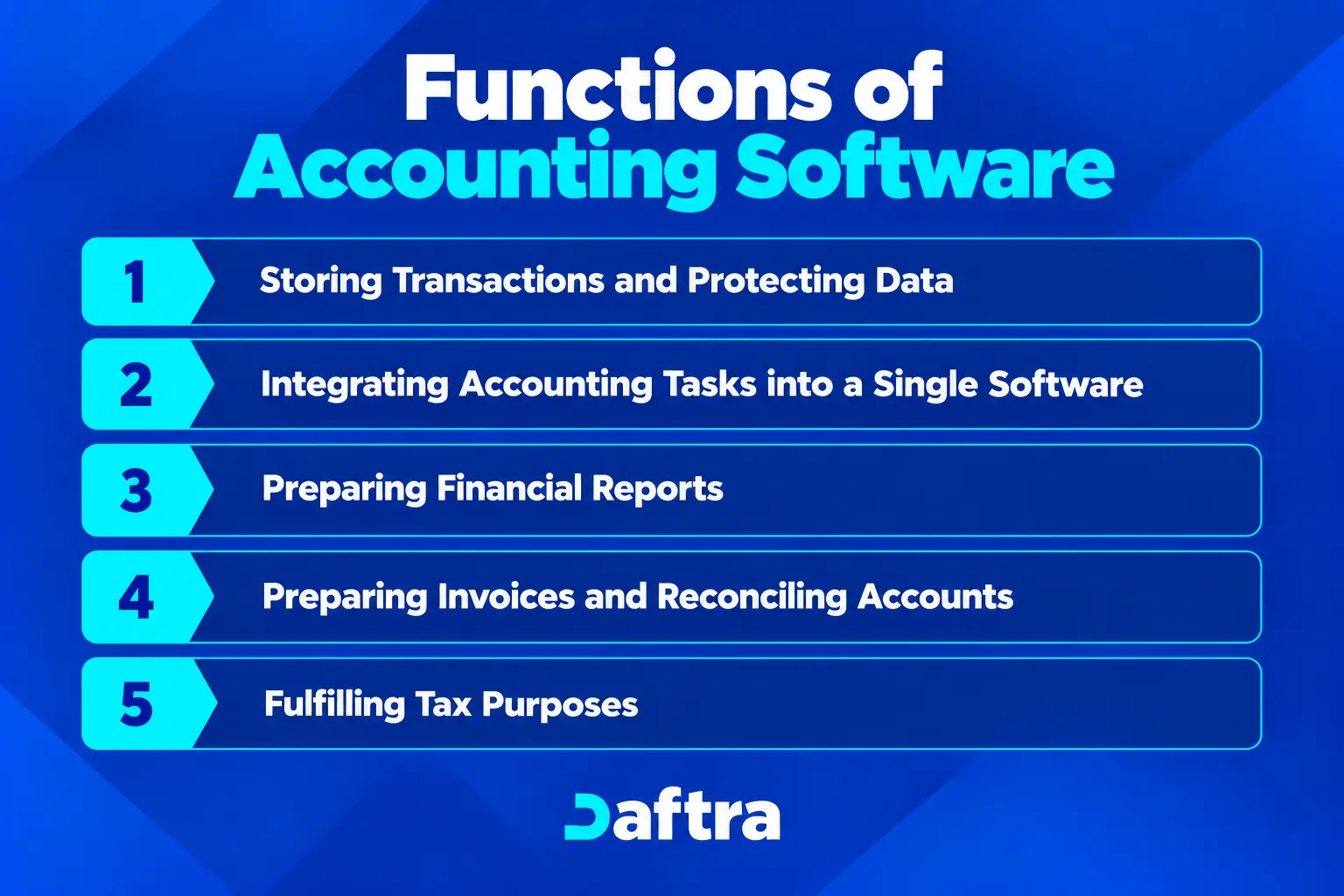
1- Storing Transactions and Protecting Data
Accounting software stores all transactions, including sales and purchases, along with related financial documents such as invoices, receipts, and more. It identifies the balances of all accounts linked to the company’s chart of accounts and evaluates their impact on business operations. Accounting software also protects financial information with advanced security features.
2- Integrating Accounting Tasks into a Single Software
Accounting software consolidates bookkeeping, auditing, review, and analysis into a single, unified platform. This eliminates the need to rely on outdated methods, such as Excel spreadsheets and cumbersome paper ledgers, for managing a company's finances.
3- Preparing Financial Reports
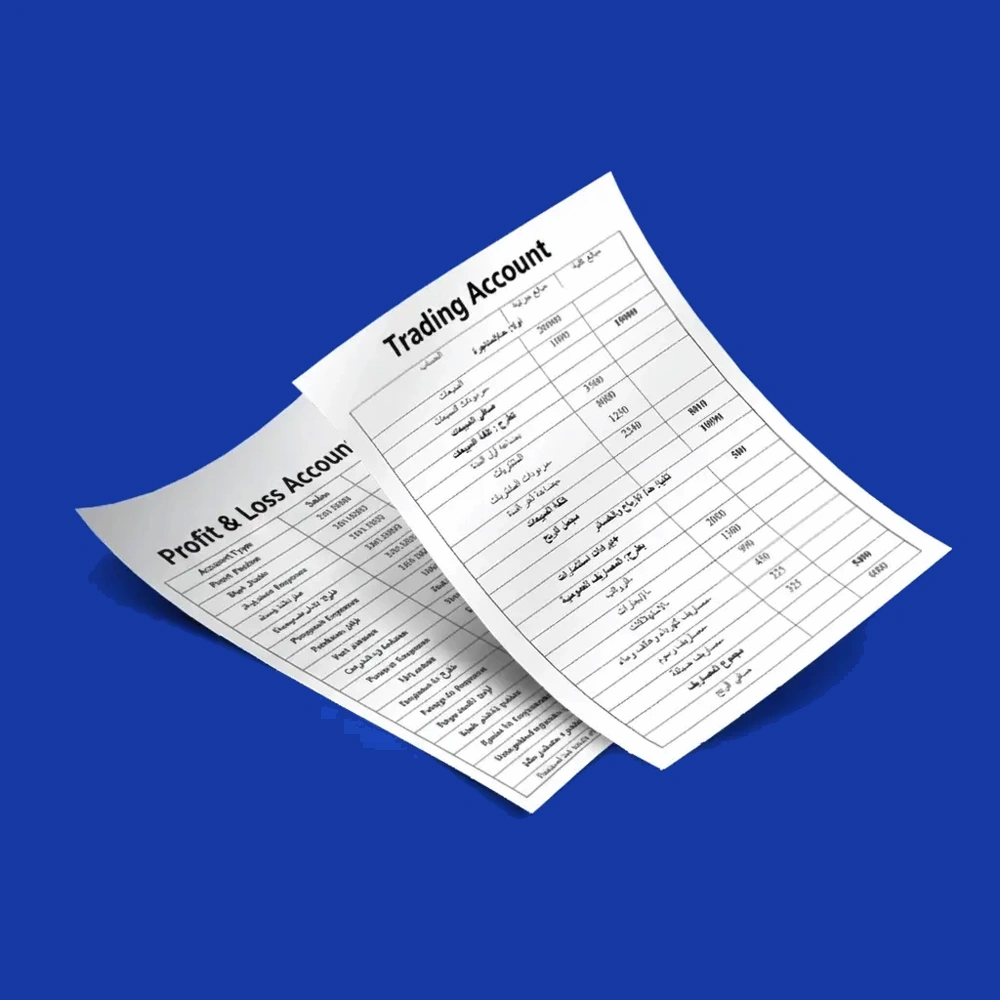
Accounting software generates financial reports and statements, including balance sheets, profit and loss accounts, and cash flow statements. These reports provide a clear view of the company's financial performance, helping identify strengths and weaknesses and develop strategies to improve the company's overall situation.
4- Preparing Invoices and Reconciling Accounts
Accounting software enables the creation and sending of various invoice types to clients and tracks outstanding payments. It also handles bank and other account reconciliations with intelligence and precision.
5- Fulfilling Tax Purposes
Accounting software streamlines tax calculations and supports efficient tax return preparation.
Read also:
The Importance of Accounting Software
While working with a Saudi retail business with branches in Jeddah, Riyadh, and Dammam, I struggled to track each branch's financial performance because each recorded expenses and sales differently. making it difficult to compare results accurately.
I could identify the company’s total revenue; I struggled to answer more specific questions, such as which branch generated the highest revenue. Where were expenses increasing?
I realized that we needed a more organized accounting process. The solution was to implement accounting software that connected daily transactions to financial accounts and reports while letting us monitor each branch separately.
After organizing all the data and linking the daily operations to financial reports. I found it much easier to compare brand performance. Track outstanding payments and collections. And identify areas that needed improvement.
1- Saving Time and Effort Through Automation
Accounting software automates repetitive, routine tasks, letting accountants focus on more creative, critical work that requires their attention. This increases productivity, saves time, and reduces the need to hire additional staff unnecessarily.
2- Faster Account Processing
Instead of manually adding up amounts for each account and calculating total balances, accounting software simplifies this process. It handles transactions regardless of their volume, as its advanced algorithms process numbers much faster than the average human mind.
3- A Sustainable Asset for the Company:
Accounting software is not an expense or a depreciable asset; rather, it is an investment and a form of capital. Over time, the return on investment from purchasing accounting software becomes rewarding and exceeds the costs, generating profits either directly or indirectly, such as saving time and increasing productivity.
4- Enhancing Employee Efficiency:
Training employees on accounting software elevates their professional capabilities, opening doors for creativity, better management, and optimal utilization of available resources. The software helps you analyze data effectively and produce reports and insights that significantly benefit your production and marketing operations, all while relying on the same workforce.
5- Ease of Error Review:
Accounting software ensures that all files are accessible in one place, simplifying the process of reviewing and correcting errors. It also prevents many errors from occurring by automatically calculating totals and balances, eliminating the need to manually input figures that could be entered incorrectly. However, it’s important to note that accounting software cannot prevent errors caused by incorrect or duplicate entries made by users.
6- Preservation of Historical Data:
Due to the accumulation of physical records, shifting work software, or even migrating from one software to another, a significant amount of critical data can be lost. This loss hinders the ability to analyze previous years' data and generate insightful budgets and detailed reports. A cloud-based ERP software solves this issue by providing secure backup copies that safeguard your work and ensure data continuity.
7- Integration of All Accounting Processes:
An ERP software creates seamless integration across all accounting operations. For instance, a journal entry automatically updates your chart of accounts, purchase invoices are reflected in expenses, and so on. This harmonious synchronization makes your accounting processes more efficient, accurate, and valuable.
8- Simplifying Accounting Oversight:
Auditing accounts is an independent task typically carried out by experienced professionals in the role of reviewers. Simplifying this process ensures it is conducted accurately and consistently, verifies the correctness of accounting operations, and helps prevent potential manipulation.
9- Integration with Point of Sale (POS):
Point of Sale software can either work independently, integrate with accounting software, or be part of the same software. POS software is particularly useful in retail, such as supermarkets, where it connects to barcode scanners and issues payment receipts instantly, streamlining sales operations.
10- E-Commerce:
Integrating accounting software with e-commerce platforms is a widely requested feature. It saves merchants significant effort by letting them manage their accounts directly in the software, reducing the need for a dedicated accountant. This seamless connection simplifies operations for online businesses.
11- Crucial for ZATCA, e-invoicing, and tax compliance in Saudi Arabia
Under ZATCA Phase 2 mandates, businesses must generate QR-coded, structured XML electronic invoices and link real-time data to the ZATCA portal.
Types of Accounting Software
Accounting software varies based on several factors, including:
1- Business Size and operational needs
Accounting software varies in its needs and the capabilities to meet the needs of businesses of different sizes; small businesses may need basic tools for invoicing, expense tracking, and financial reporting.
- Personal accounting software: designed for individuals who need to manage personal income.
- Small business accounting software: provides essential features such as invoicing, expense tracking, and accounts payable.
- Medium-sized business accounting software: offers more advanced capabilities, including inventory management and budgeting.
- Enterprise accounting software: designed for large organizations with complex financial operations.
2- Operating Type
Accounting software can be classified by how it is deployed: desktop-based or cloud-based solutions.
- Desktop-based accounting software: installed on a computer or a local server with data typically stored on the device or within the company’s local network.
- Cloud-based accounting software: hosted online and accessed through a web browser or mobile application.
- Mobile accounting software: accessed through a smartphone.
- Web-based accounting software: accessed through a web browser or mobile application.
- Hybrid accounting software: combines cloud-based functionality with locally installed systems.
3- Tasks to Be Accomplished
Accounting software also varies by the financial tasks it supports. Many solutions combine several accounting functions, while others specialize in particular areas.
- Financial accounting software: records financial transactions and helps prepare financial statements, including income statements and balance sheets.
- Tax accounting software: supports tax calculations, tax reporting, and the preparation of tax returns.
- Accounts payable software: manages supplier invoices and payment schedules.
- Inventory accounting software: tracks inventory values and inventory-related transactions.
4- Cost
Accounting software can be categorized based on cost into:
- Free Accounting Software: Offers basic features and is suitable for small businesses or individuals.
- Low-Cost Accounting Software: Performs limited tasks at affordable prices, ideal for startups.
- Mid-Cost Accounting Software: Provides more advanced features and functions, meeting the needs of medium-sized businesses.
- Subscription-Based Accounting Software: Typically offers comprehensive, flexible features that can be customized, along with 24/7 technical support. This type is targeted at large companies or enterprises.
Key Features to Look for In Accounting Software
When choosing accounting software, businesses should focus on features that simplify financial management:
- Core accounting and financial reports: the software should record financial transactions, manage accounts payable and receivable, and maintain a general ledger.
- Invoicing and billing: look for tools to create, send professional invoices, and automate recurring billing.
- Expense and cash flow management: the software should help categorize expenses, monitor income and outgoing payments.
- Inventory management: for businesses that sell physical products, inventory features.
- User-friendly interface: good accounting software should be easy for beginners to use, with simple navigation, clear labels, and helpful tips.
- Invoicing and billing: the software should let you create, send, and manage invoices easily.
- Financial reporting: good software should create useful reports such as profit and loss.
- Data security and backup: keeping your data secure is very important; the software should protect your data and files with encryption.
- Compliance with Saudi government regulations: Applicable ZATCA requirements, including VAT rules and electronic invoicing regulations.
Desktop VS Cloud-Based Accounting Software
Every accounting software has its own advantages and disadvantages, and what some see as an advantage may be seen as a disadvantage by others, and vice versa. In this section, we will discuss the key features of Desktop-Based Accounting Software and Cloud-Based Accounting Software to help understand their differences and suitability for various needs.
Advantages and Disadvantages of Accounting Software
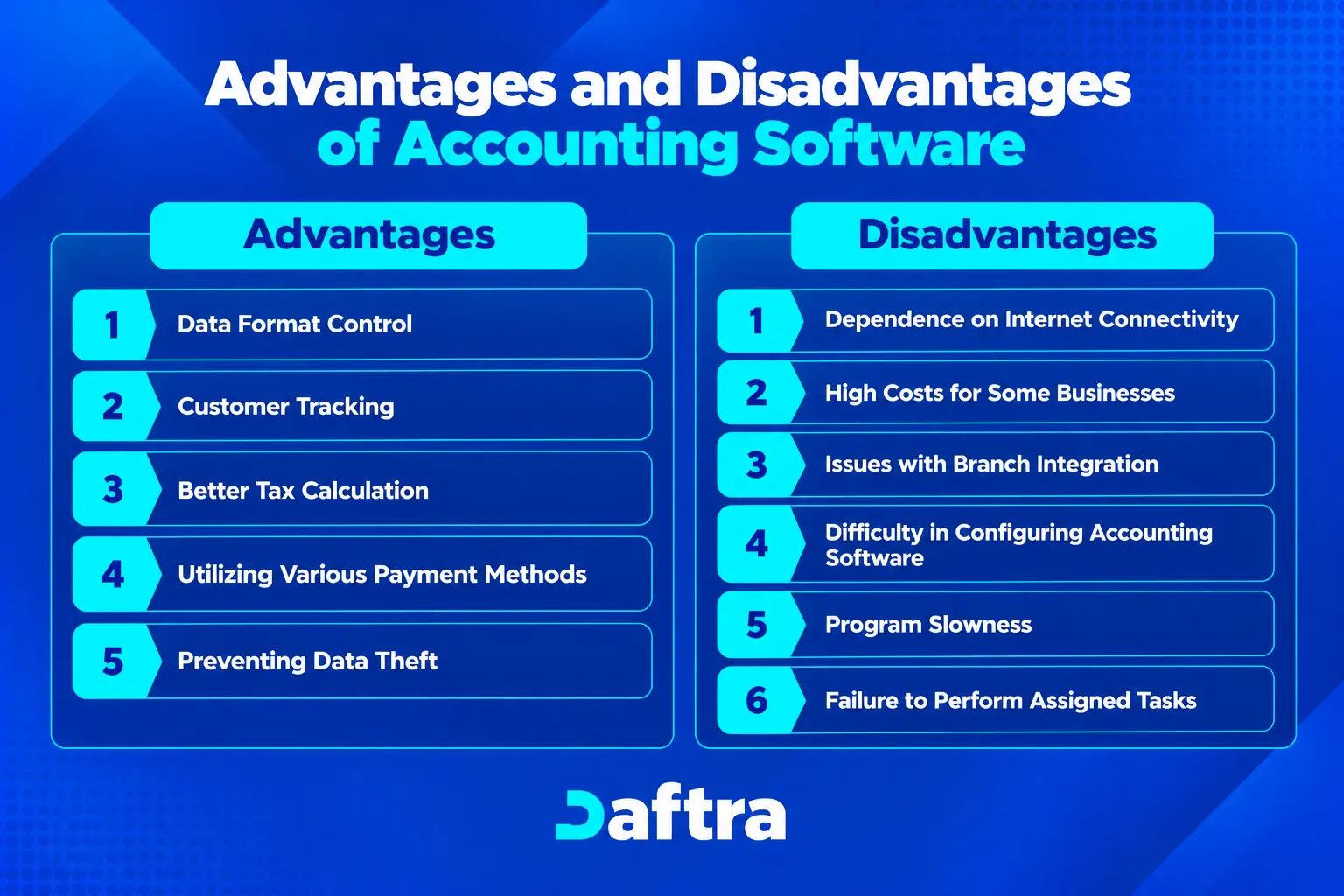
Advantages of Accounting Software
The advantages of accounting software vary depending on each program's features and capabilities, as well as the subscription package and services it offers. However, there are some fundamental advantages that you can benefit from when subscribing to cloud-based accounting software, including:
1- Data Format Control
You can choose how to display and store your data, whether as Excel files, contact lists, or printed documents. You can also back up your data and share it in real time with anyone who needs access. All of this can be done without requiring large storage spaces, eliminating the need for traditional data storage and transfer methods.
2- Customer Tracking
This involves monitoring purchases, maintaining records, and offering better marketing and sales promotions through the contact details saved in profiles. This ultimately leads to increased sales.
3- Better Tax Calculation
Facilitates including taxes in issued invoices, incorporates all types of taxes into the accounting software, and supports creating and submitting tax returns in the required format, in compliance with your country’s government policies.
4- Utilizing Various Payment Methods
This lets you cater to your customers' preferences, whether they pay in cash, by credit card, or via bank transfer. It also integrates with your bank accounts to manage customer payments seamlessly.
5- Preventing Data Theft
Cloud-based accounting software provides a high level of security, relying on encryption and advanced technologies to protect your data from theft or unauthorized access.
Read also: Best Accounting Software for Manufacturers
Disadvantages of Accounting Software
Be cautious when addressing the disadvantages of accounting software. It’s not just about purchasing software; it's about understanding the pros and cons of accounting software in general and, more importantly, the specific drawbacks of the software you plan to purchase. Here are the most notable disadvantages to watch for and ensure your chosen software is free from them:
1- Dependence on Internet Connectivity
Cloud-based accounting software requires a stable internet connection, and network instability can cut off access to the software and its features.
2- High Costs for Some Businesses
Small businesses may struggle to afford monthly accounting software subscriptions, especially if they must adopt them due to government-mandated digital transformation and electronic invoicing. This often pushes them to choose cheaper alternatives, even if they offer limited features. In these cases, it is best to look for balanced solutions, as some programs offer excellent service at reasonable prices.
3- Issues with Branch Integration
Some accounting software struggles with integrating multiple branches. The problem isn't just connecting branches; it's also separating each branch's cost accounting and financial operations. This can lead to inaccurate reports, especially if the software is built on low-quality code.
4- Difficulty in Configuring Accounting Software
Certain industries struggle to align their business activities and needs with available accounting software. Additionally, some users may gain access to sensitive data they shouldn't see because the software lacks robust customization options to control data access and user permissions.
5- Program Slowness
If the accounting software provider does not account for server load, performance can slow, making it difficult to work efficiently on the platform.
6- Failure to Perform Assigned Tasks
Some accounting software lacks essential features needed for smooth accounting operations, forcing accountants to combine digital and manual work. This can lead to wasted effort, duplicated data, and reduced productivity.
What is the difference between Accounting Software and ERP software?
Accounting software is closely related to Enterprise Resource Planning (ERP) software and is often considered a part of ERP software. However, there are several differences between the two, which can be clarified through the following comparison:
In general, it can be said that the significant price difference and the complexity of customizing comprehensive integrated software make identifying and analyzing needs the most important first step to help you decide between accounting software that issues certified electronic invoices and the need for a large, comprehensive ERP software that manages warehouses, cashier programs, procurement, and manufacturing operations.
Common Mistakes to Avoid When Choosing Accounting Software
- Ignoring core requirements: Selecting software that lacks essential capabilities specific to your operations (e.g., inventory management, invoicing, multi-currency support).
- Mismatched company size: Choosing a tool that doesn't align with your business's current operational scale or transaction volume.
- Choosing non-scalable software: Selecting programs that cannot accommodate future growth, such as adding new branches, users, or business units.
- Failing to check integrations: Overlooking compatibility with your existing systems (e.g., CRM, POS, sales software, e-commerce platforms).
- Overlooking security features: Failing to verify that the software provides robust data encryption, role-based access control, and reliable backups to protect financial data.
- Selecting outdated or non-upgradable software: Investing in legacy systems that lack regular updates, leading to compliance issues and technical problems over time.
- Skipping the free trial: Purchasing the platform without testing its features and workflows in a real-world scenario.
- Overlooking ease of use: Choosing an overly complex system that makes daily accounting tasks cumbersome and increases user errors.
- Fixating solely on price: Evaluating software based only on subscription or license costs rather than overall value, ROI, and hidden fees.
- Overlooking technical support: Failing to ensure reliable, prompt customer support and service availability when the system goes down or errors occur.
- Lacking an employee training plan: Not budgeting time or resources to properly train team members to use the system efficiently.
- Ignoring user reviews: Not researching feedback, ratings, and experiences from current users in similar industries.
The Future of Accounting Software
Accounting software is continuously evolving, with every new feature enhancing accounting operations. The most prominent features that are becoming standard in modern and future accounting software include:
1- Integration with Business Applications
Many features have become standard in accounting software, as most programs now include customer accounts. It is now possible to integrate the program with Customer Relationship Management (CRM) software, starting the journey with the customer from the beginning, from their state as a potential customer to becoming a regular customer with a dedicated account.
Additionally, e-commerce platforms have become essential for every business specializing in retail. Every account registered on the platform becomes a customer account. Accounting programs need to incorporate thousands of important applications into their functions.
2- Support for Analytics and Forecasting
Artificial intelligence is rapidly advancing and gradually appearing in accounting software. One of the most important elements that can evolve thanks to AI's superiority is financial forecasting. Through analysis, accounting software can identify potential risks or challenges a business may face in the future, leading to improved outcomes. The software acts as a manager for past records and a guide toward a better financial future.
3- Greater Consideration for Diverse Work Software
With the rise of remote work models, accounting software is striving to accommodate this aspect as part of its functionality. Many accounting and financial responsibilities can now be managed remotely. These programs adopt the Agile project management methodology to incorporate features like business intelligence, reporting for market growth, analytics, and more.
Why Choose Daftra as Your Accounting Software?
Daftra's accounting software offers exceptional management for your sales, purchases, inventory, customers, and employees. Additionally, it includes features like point-of-sale software, online stores, bookings, memberships, and more.
The software is highly flexible, letting you customize features to match your business needs. This gives you a simple, easy-to-use interface that still covers all your requirements and is tailored specifically to you.
Daftra also provides excellent customer support, with detailed guides for every feature and 24/7 availability to answer your questions by phone or email. It also offers a free personalized session where an expert explains how to use the software effectively to meet your needs without the complexity.
Frequently Asked Questions
What are the best accounting programs in Saudi Arabia?
The best accounting software depends on your company’s specific needs. However, Daftra is considered a leading solution in Saudi Arabia. It offers comprehensive management for sales, purchases, inventory, electronic invoicing, and integrations with online stores and POS systems. It also fully complies with the requirements of the Zakat, Tax, and Customs Authority (ZATCA).
What is the best ERP accounting system?
The best ERP accounting system is one that performs core accounting functions accurately and efficiently, including:
- Recording all financial transactions and protecting data.
- Integrating accounting tasks such as recording, analysis, and auditing into a unified system.
- Generating accurate financial reports, such as balance sheets and profit and loss statements.
- Creating invoices, tracking payments, and reconciling bank accounts.
- Calculating taxes and filing tax returns.
What is the best free accounting software?
Free accounting programs often have limited functionality, but they can suit very small businesses or startups. Among the best free accounting options is Daftra, which offers comprehensive management of sales, purchases, financial reporting, and electronic invoicing.
What are ready-made accounting programs?
Ready-made accounting programs come pre-equipped with essential features such as invoicing, journal entries, and financial reporting. They only require you to enter your company’s data. Daftra, for example, offers these features while letting you customize the system to fit your business model.
Does accounting software depreciate?
Yes. In accounting terms, software is classified as an intangible asset, and companies depreciate (amortize) it over its useful life in line with their accounting policies.
What are the benefits of accounting software?
Key benefits include:
- Saving time and effort through automation.
- Greater accuracy in calculations and reporting.
- Reduced dependency on manual processes.
- Easier tax compliance and e-invoicing.
- Improved productivity and better decision-making.
Which accounting programs are approved by ZATCA?
Approved programs are those that support electronic invoicing and comply with the authority’s standards. Daftra is one of the most recognized and trusted ZATCA-approved accounting programs in Saudi Arabia.
Is accounting software considered an asset?
Yes. Accounting software is considered an intangible asset when purchased for long-term use and is amortized over several years.
Is there any real benefit to using accounting software?
Absolutely. Using accounting software offers multiple advantages, including faster task completion, fewer errors, improved control, better tax compliance, and more informed financial decision-making.








 Invoicing
 POS
POS Offers
 Installments
 Sales Commission
 KSA E-Invoice Software
 EGY E-Invoice Software
 JO E-Invoice Software
 E-Invoice Software
 Chart of Accounts
 Asset Management
 Cost Centers
 Expenses
 Cheque Cycle
 UAE VAT-Tax
 Product Management
 Purchases
 Purchase Cycle
 Suppliers
 Requisitions
 Stocktaking
 Organizational Structure
 Personnel Management
 Attendance and Leave
 Contracts
 Payroll
 Requests
 Work Orders
 Booking Management
 Rental and Unit Management
 Time Tracking
 Work Flow
 Lease Contracts
 Manufacturing Management
  Client Follow-Up
 Loyalty Points
 Points and Credits
 Memberships
 Insurance Management
 Daftra ERP Full App
 Point of Sales App
 Point of Sales for Desktop – Support Offline Mode
 AI Expenses Scanner App
 Employee Attendance, Sign & ESS App
 E-invoice Reader App
 Inventory Stocktaking App