




Accounting software is a specialized computer Software that enables tracking account transactions, financial reporting, creating e-invoices, and managing payroll, among other essential accounting tools and Softwares.
Regardless of your company's size and field, the adoption of accounting software is a top priority, especially in Saudi Arabia, due to the rapidly growing economy and the strict regulations regarding financial reporting and tax compliance, particularly with the introduction of VAT.
That’s why when you choose the accounting software in Saudi Arabia, it must be trusted by ZATCA (the Zakat, Tax, and Customs Authority).
Here is a comprehensive understanding of the top 10 accounting software in Saudi Arabia, presented in a detailed list of features and pricing.
The Top 10 Best Small Business Accounting Software in Saudi Arabia
If you are in the process of searching for and comparing the right accounting software that is trusted by ZATCA in Saudi Arabia, and this takes time and effort, this list will help streamline your decision-making.
- Daftra
- Qoyod
- VoM
- XERO
- QuickBooks
- Odoo Accounting & Finance
Starting the list with the most well-known and used accounting software in Saudi Arabia for the last 10 years:
1- Daftra
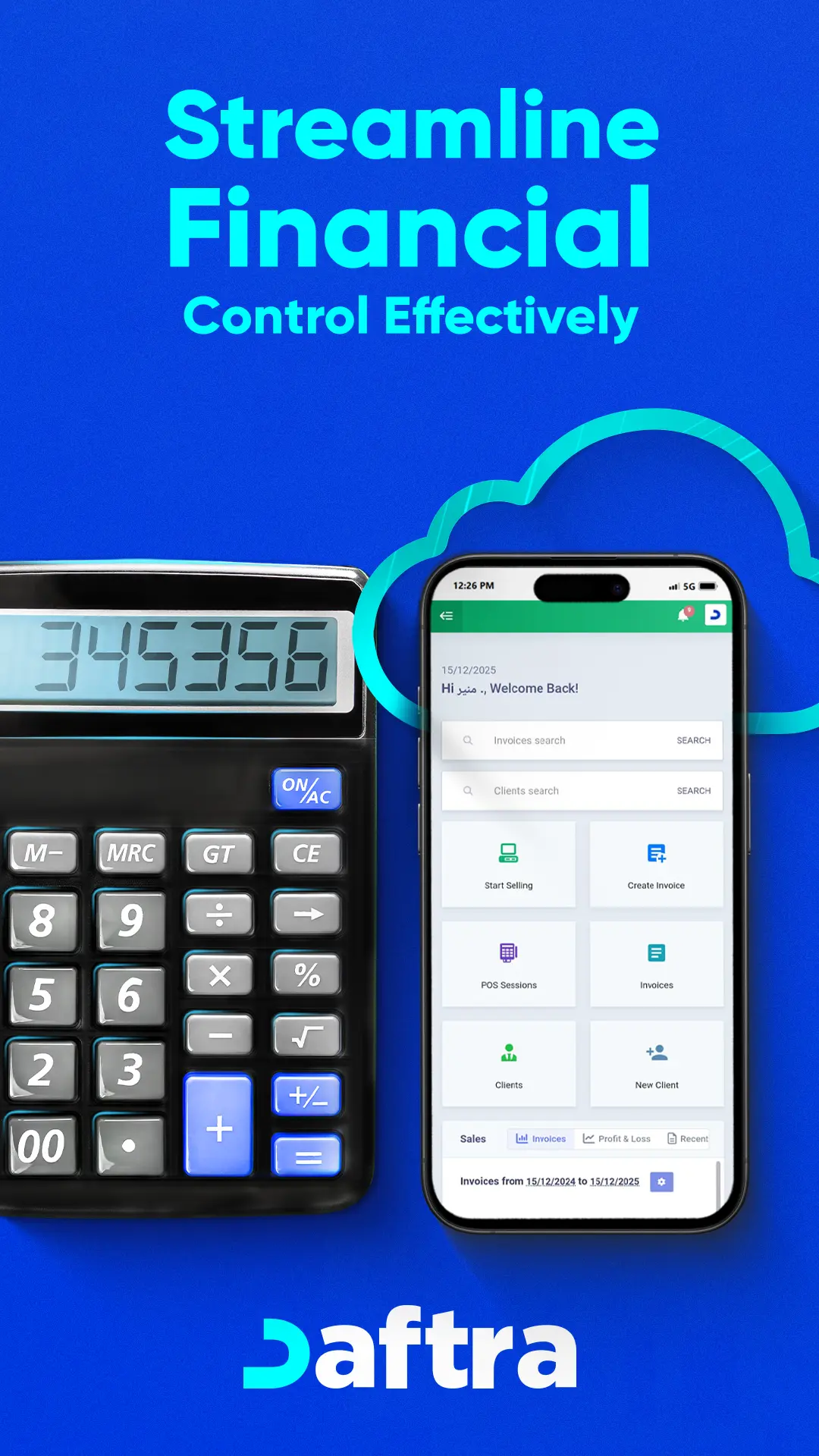
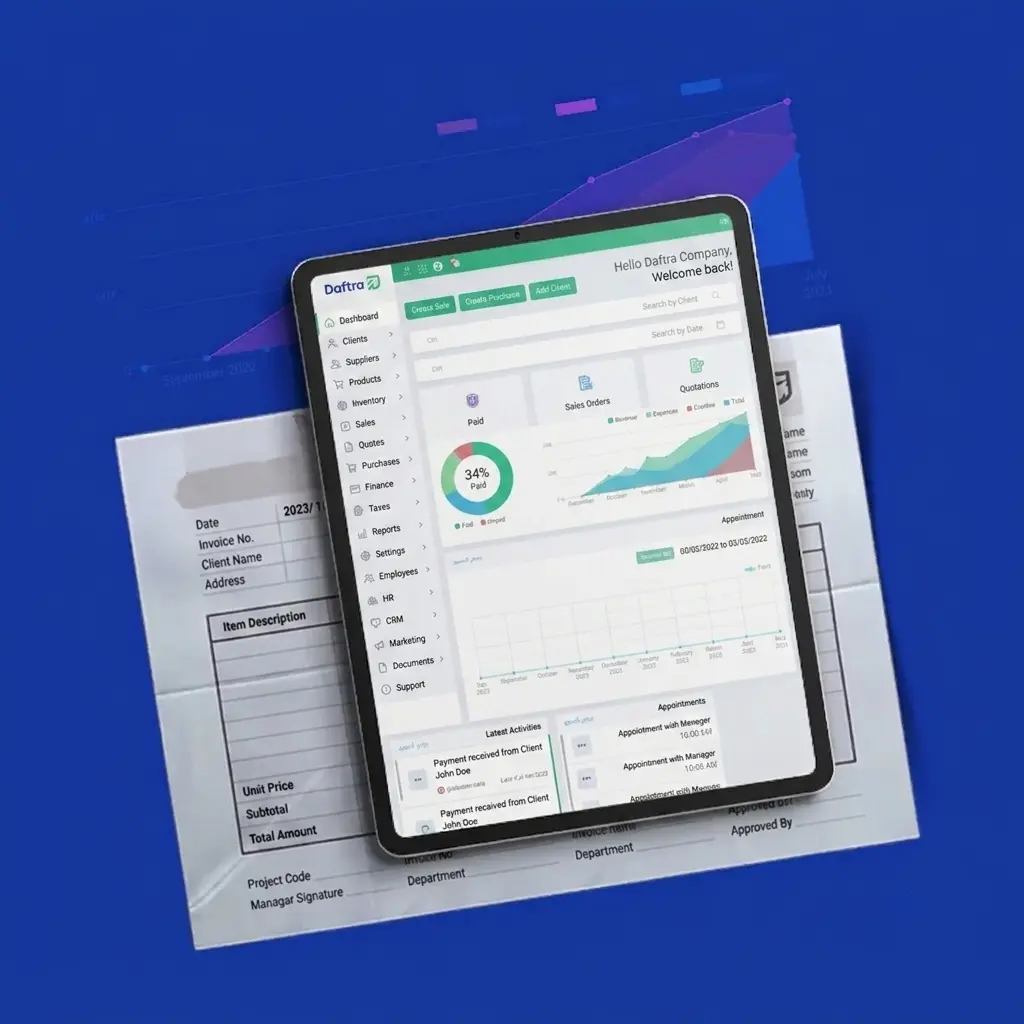
Daftra is an ERP system that manages your entire business, enabling six apps that provide sales invoicing, Financial Reports, Stock Tracking, Attendance & Leave Management, Project Management, Client Follow-Up, and more.
Daftra Key Features
- ZATCA e-Invoicing Compliance
- Full Arabic & RTL Support
- Automated VAT & Zakat Reporting
- Advanced Reporting & Audit Trails
- Seamless Integrations
- Cloud-Based Access & Security
- Ease of Use & Dual-Language Interface
- Flexible Pricing & Scalability
- Daftra Mobile Apps Integration
- Daftra Protects Your Data with 256-bit Encryption and Advanced Security
- Customer Service Around The Clock
- The Customization of Accounting Software for Diverse Industries
- Creating Advanced Financial Reporting
- Company Expense and Revenue Tracking
- Chart of Accounts Management
- Journal Entries Creation
Daftra’s Pricing Plan
Daftar’s pricing plan features a free 14-day trial, No Credit Card Required, No Setups, and All-App Inclusive. Here are the three plans in detail:
| Plan | Basic | Advanced | Premium |
| Yearly | 1140 SR Per Year 95 SR Billed monthly | 1860 SR Per Year 155 SR Billed monthly | 2700 SR Per Year 225 SR Billed monthly |
| Monthly | 120 SAR Billed monthly | 220 SAR Billed monthly | 320 SAR Billed monthly |
Pros
- Cloud-Based & Secure
- Easy & Customizable Interface
- Comprehensive Integration
- Advanced Reports & Analytics
- 24/7 Technical Support
- High Flexibility in Customization
- Fully Integrated Mobile App
- Accurate Accounting
- Automated HR & Payroll Management
- Multi-Language & Multi-Currency Support
- 14-Day Free Trial
2- Qoyod
Qoyod is a cloud-based accounting platform from Saudi Arabia, founded in 2016, built mainly for small and medium businesses in the local market. It helps companies manage day-to-day accounting while staying aligned with Saudi requirements.
What you can do with Qoyod
ZATCA-approved e-invoicing to support Saudi e-invoicing compliance
Inventory + expense tracking for basic operational control
Cost center reporting to understand performance by department, branch, or project
Pricing
| Plan | Monthly | Annual (discounted) |
|---|---|---|
| Basic | 120 SAR/month | 100 SAR/month (1,200 SAR/year) |
| Pro | 180 SAR/month | 150 SAR/month (1,800 SAR/year) |
| Advanced | 330 SAR/month | 184 SAR/month (2,211 SAR/year) |
| Enterprise | Custom | Custom |
3- Wafeq
Wafeq is a cloud accounting platform built for businesses in the Gulf especially Saudi Arabia and the UAE with a focus on making invoicing, tax workflows, and day-to-day accounting easier for business owners and accountants. It supports Saudi requirements like ZATCA-compliant e-invoicing and related VAT reporting.
Key features
Invoicing, quotes, and credit notes (with tax/VAT support)
ZATCA e-invoicing (Phase 2 support on higher plans)
Expenses + purchasing workflows (bills, POs, debit notes)
Projects & cost centers (available on certain plans)
Payroll, inventory, fixed assets (Premium and above)
Reporting & insights (dozens of financial reports)
Pricing
| Plan | Monthly | Annual (discounted) |
|---|---|---|
| Starter | 119 SAR/month | 99 SAR/month (1,190 SAR/year) |
| Plus | 149 SAR/month | 119 SAR/month (1,430 SAR/year) |
| Premium | 249 SAR/month | 199 SAR/month (2,390 SAR/year) |
| Enterprise | Custom | Custom |
Read Also: Guide to Prices of Arabic and International Accounting Software
4- VoM
VoM is one of the widely used accounting systems in Saudi Arabia. It offers a streamlined version designed to support contracting and construction businesses. However, its pricing is noticeably higher than many similar tools in the market some alternatives may match or even outperform it at half (or even a third) of VoM’s subscription cost.
Key Features of VoM
10 invoice templates with light customization (show/hide fields, add terms & conditions).
Project accounting to manage finances by project.
Cost centers, fixed assets, and chart of accounts, plus creating journal entries.
Monthly payroll processing.
Role-based access control to manage employee permissions by responsibility.
Unlimited products, with categorization to keep items organized and easier to manage.
VoM Pricing (SAR)
Plan Monthly Price
Advanced Plan 270 SAR / month
Unlimited Plan 350 SAR / month
Business Plan Contact sales for pricing
5- Xero Accounting Software
Xero Accounting Software is designed for small and medium-sized businesses in Saudi Arabia. It benefits the accountants and bookkeepers by providing diverse tools that help streamline the process of invoicing, bank reconciliation, and reporting.
Xero Accounting Software effortlessly tracks project costs, manages employee information, tracks expenses, and manages spending with ease.
Pros
- User-friendly interface.
- Cloud-based access
- Customizable financial insights
- Supports multiple currencies
- Mobile app
- Real-time collaboration with the team
- Regular updates for the features and security
- Transparent pricing and flexible plans
Xero Software Pricing Plan
- Basic: 75 SAR / month
- Advanced: 300 SAR / month (enterprise up to 75,200 SAR / year)
Read Also: Best Accounting Software in Egypt 2026 - Comparison + User Reviews
6- QuickBooks
QuickBooks is for small businesses and features a simple interface of income and expense accounts; it takes two to four weeks to learn how to use the software. The accounts can be easily used and organized by diverse devices at any time. As well, it offers a free 30-day trial and manages the day-to-day recording of bills.
Key Features
- Provides free technical support services for subscribed clients.
- Offers, among other additional features, electronic integration via API with external systems and applications.
- QuickBooks displays financial account reports within the software, as well as the history of all transactions carried out.
- Allows certain modifications to the software as a form of customization.
- QuickBooks offers tutorials and educational lessons on how to use the system; however, these resources are not currently available in Arabic.
Pros
- User-friendly interface
- Integration with third-party apps
- Good reporting and financial tracking
- Mobile app available
- One-time purchase option
QuickBooks Pricing Plan
- Basic (Online): 75–130 SAR / month
- Advanced (Online): 885 SAR / month
- Desktop one-time license: 940 SAR (Pro Plus 2024)
Read Also: Best Accounting Software for Supermarkets
7- Odoo Accounting & Finance
Odoo Accounting and Finance software features a modern interface, which means no delayed reaction or overflowing email with response times of less than 90 milliseconds per click. The Odoo software is an AI-powered invoice data capture that dispenses with the process of tedious data entry.
Key Features
- Allows adding an unlimited number of users, with one primary user free of charge and $8 for each additional user.
- Odoo provides free technical support services for subscribed clients, similar to the other five systems.
- Supports the Arabic language, though with some limitations, as parts appear to be machine-translated rather than natively prepared. It is also approved by the Zakat Authority.
- Offers electronic integration via API with external systems and applications.
- Reports and performance tracking: Odoo provides reports within each account, along with a history of the transactions carried out.
Pros
- Customization
- Integration with other modules
- User-friendly interface
- Cost-effectiveness
- Multi-currency & multi-language support
Odoo Pricing Plan
- Basic: 0 SAR (one free app)
- Standard: 94 SAR / user/month
- Custom: 140 SAR / user/month
FAQs
Which is better, accounting software or Excel?
Excel is ideal for beginners and small businesses because it offers a basic accounting process that meets their specific needs. On the other hand, accounting software is a priority for business revenue growth and corporations, thanks to its real-time data updates and advanced reports, among other tools and apps.
Which is the best software for accounting?
The best accounting software internationally is QuickBooks, which supports 11 languages around the world and provides auto-tracking of business income and expenses. On the other hand, Daftra accounting software is preferred for Saudi Arabian businesses, as it is trusted by ZATCA.
What software do accountants normally use?
As mentioned above, the top 10 accounting software in Saudi Arabia and the Middle East are. The most used software by accountants is QuickBooks, XERO, Sage, and Daftra.
Conclusion
In conclusion, after reviewing the features and functions of the most important accounting software in Saudi Arabia to make it easier for you to choose the one that best fits the nature and size of your business, it can be said that investing in the best accounting software in Saudi Arabia that meets your specific needs and achieves your financial goals efficiently is not just a business decision—it is a necessary step to improve the management of your accounting operations.
From identifying financial transactions, recording them in daily journals, posting them to the general ledger, preparing the trial balance before and after adjustments, to generating financial statements and their reports, and finally closing the accounts, accounting software provides accurate data and results for all these processes. This ultimately supports you in making sound financial and investment decisions that benefit the growth of your business, increase profits, and maintain your competitive position in the market.












 Invoicing
 POS
POS Offers
 Installments
 Sales Commission
 KSA E-Invoice Software
 EGY E-Invoice Software
 JO E-Invoice Software
 E-Invoice Software
 Chart of Accounts
 Asset Management
 Cost Centers
 Expenses
 Cheque Cycle
 UAE VAT-Tax
 Product Management
 Purchases
 Purchase Cycle
 Suppliers
 Requisitions
 Stocktaking
 Organizational Structure
 Personnel Management
 Attendance and Leave
 Contracts
 Payroll
 Requests
 Work Orders
 Booking Management
 Rental and Unit Management
 Time Tracking
 Work Flow
 Lease Contracts
 Manufacturing Management
  Client Follow-Up
 Loyalty Points
 Points and Credits
 Memberships
 Insurance Management
 Daftra ERP Full App
 Point of Sales App
 Point of Sales for Desktop – Support Offline Mode
 AI Expenses Scanner App
 Employee Attendance, Sign & ESS App
 E-invoice Reader App
 Inventory Stocktaking App