-
English
-
Try for Free
No credit card needed
No credit card needed
Have all online and in-store sales using units, barcodes, categories, and serial numbers. Use Daftra-compatible peripherals such as scales, barcode readers, cash registers, and printers. Experience full integration with Inventory, Accounting, CRM, and e-invoice compliance.
Get Started for Free
Free 14-Day Trial
No Credit Card Required
No Setups
All-App Inclusive
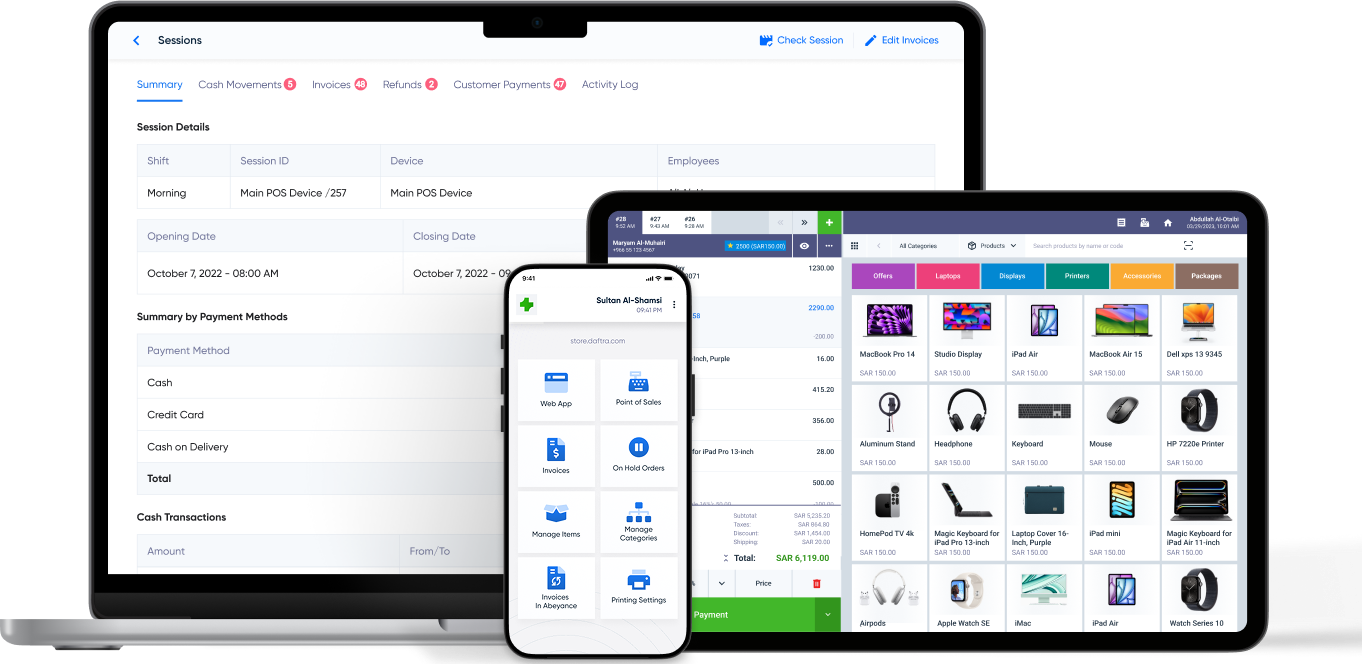
Stay compatible using and adopting all devices, operating systems, SOPs, and industry standards. Sell easily anywhere using custom terminal setups and mobile devices.
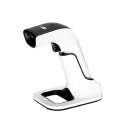
Barcode Reader
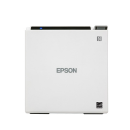
Printer
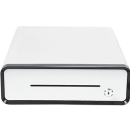
Cash Register
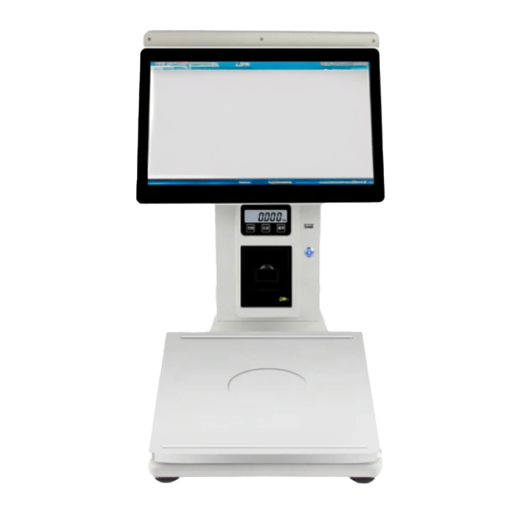
Scale
Handheld
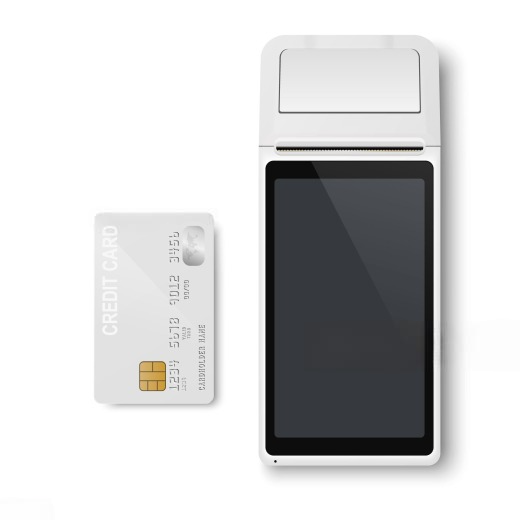
Mobile
Find out your industry. Find out how Daftra fits your business for free.


Provide any set of online or offline payment methods in a flash to your customers: cash, check, or card. Enable customers to use multiple methods per transaction.
Expedite and optimize checkout experience using a wide range of POS devices and default payment methods as need arises, including during peaks and high seasons.
Partial Payments
Split Payments
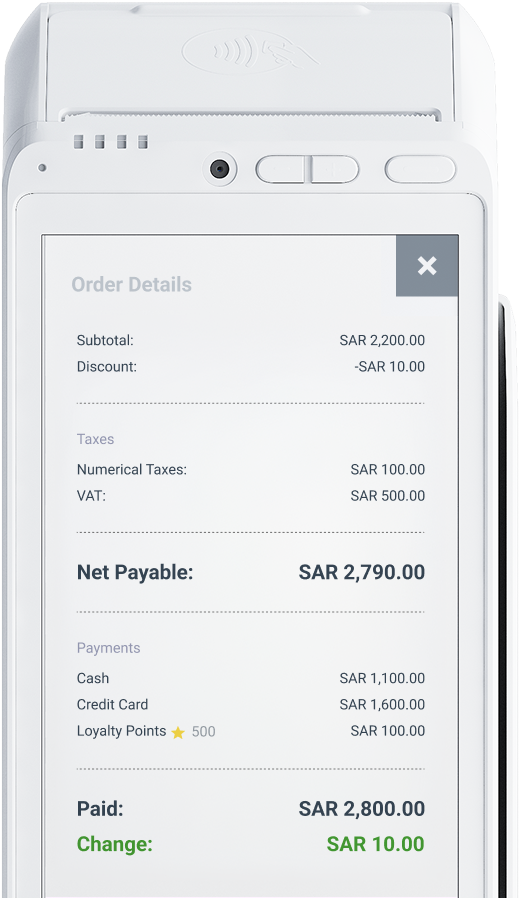
Track cloud-synced order and invoice history from multiple selling points, shift transactions, devices, per salesperson or group of salespersons.
Refund partial or full payments using a designated POS screen based on your Return & Refund Policy. Swap returns for store credit and ensure customer satisfaction.
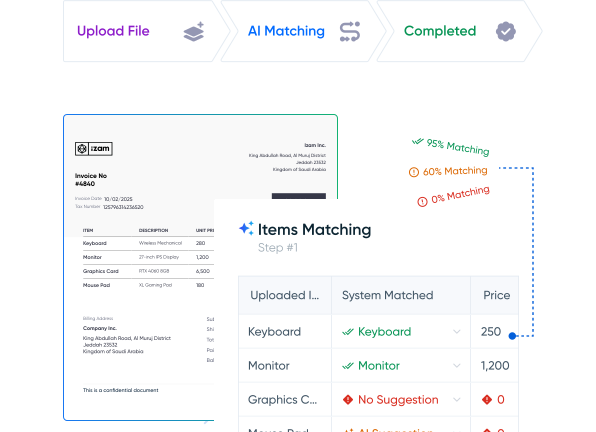

Instantly add products to order using a barcode scanner, and search stock availability. Expedite selling online and in-store with zero waits or bounces.
View all product information: retail price, in-store vs. warehouse stock availability, price lists, and max discounts based on different employee permissions.
Units of Measure
Product Variants
Stock Tracking
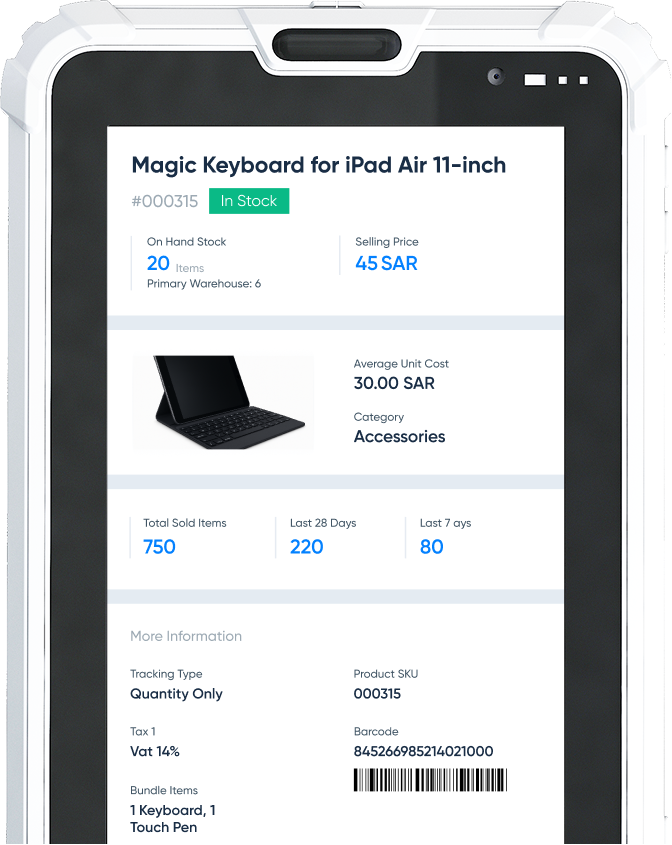
Generate client-informed offers and promotions. Adjust for seasonal peaks and unexpected demand surges. Opt for cheaper-item or absolute discount options.
Targeted Offers
Product Bundles
Set your criteria for discounts and let Daftra roll out discounts adjusted for specific periods, seasonal demands, or on as-needed basis.
Item Discount
Total Invoice Discount
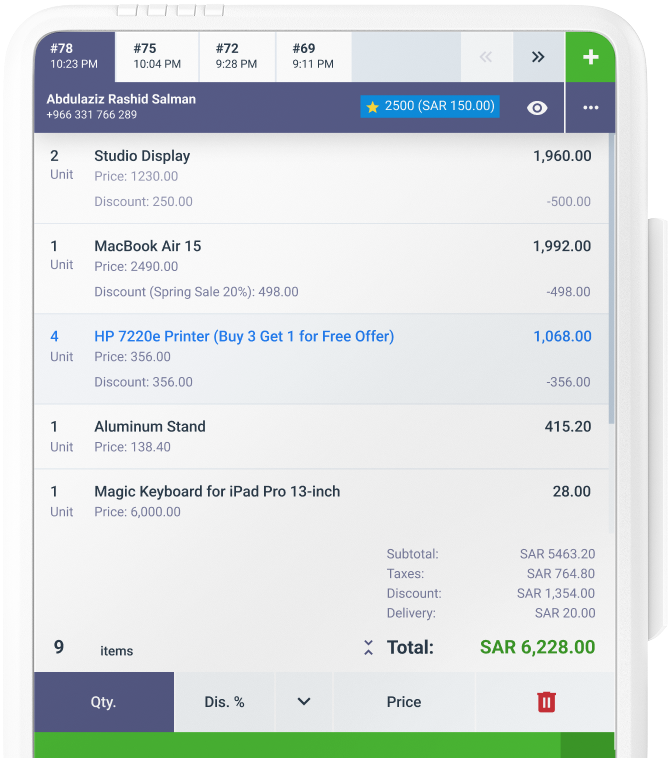
Utilize purchase history, preferred products, and shipping locations to engage and follow up with your customers better with a fully integrated Customer Directory.
Structure loyalty programs by setting eligibility rules as purchase history and spend volume, and applicability criteria to select items and customers.
Close and validate sales sessions, auto-locate your required session, and enter the amount of manually counted cash.
Manage cash register and easily add or take cash out. Get accurate records of your transactions. Monitor cash register employee in charge.
Cash In
Cash Out
Treasuries
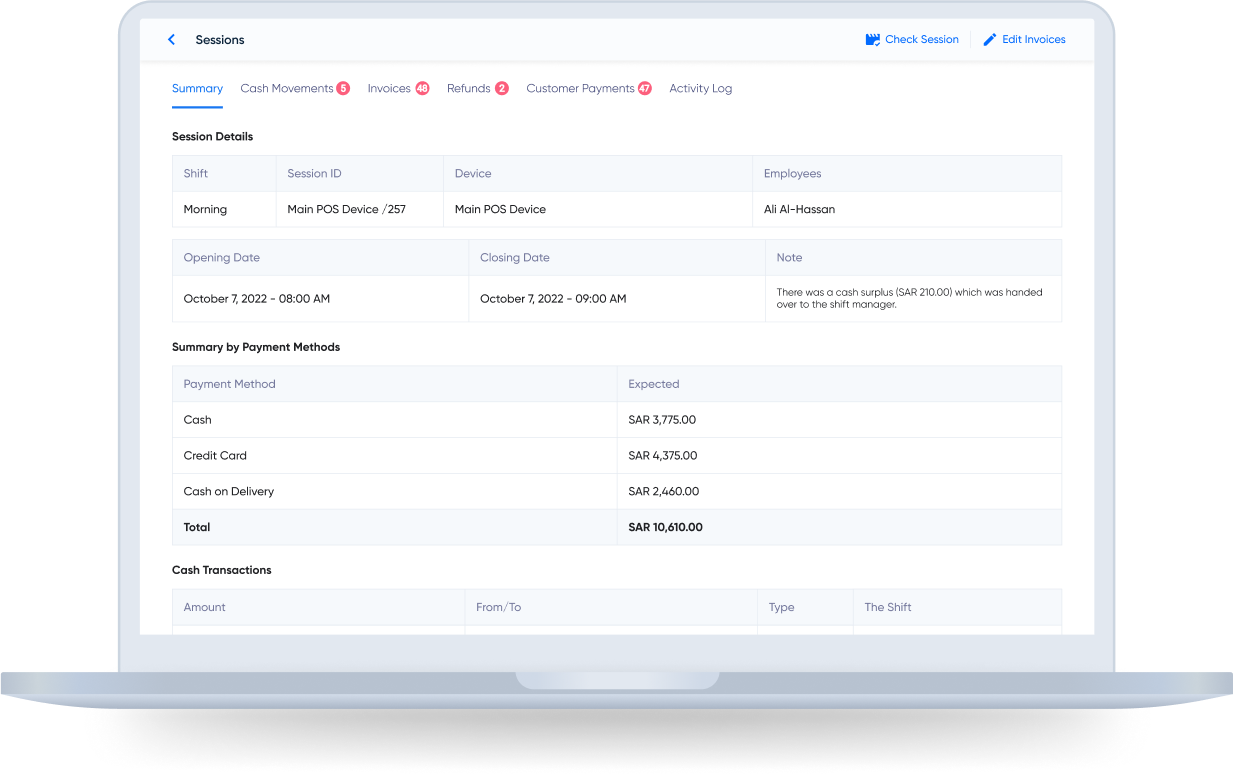
Manage sales shifts to assign work orders per salesperson, group, or work hours. Get insights into sales performance.
Have full control over permissions per salesperson, group, or shift. Choose to change permissions as per evolving customer requests as needed.
Explore Daftra plans designed for different business needs, with flexible features that grow with you.
Free 14-Day Trial
No Credit Card
No Setups
All-App Inclusive
Reports
Integrations
Intuitive Interface
Keyboard Shortcuts
Custom Receipts
Order Source
Custom Fields
Smartest Solution
Choose your ideal digital partner
Tailored for
Expand and scale your business with Daftra.



Daftra is rapidly and constantly growing and our support expands in response. Our forever updates, whatever your plan is, ensures your software is always covered so your business can grow with Daftra.

Daftra is GDPR-compliant, hosted on cloud-based servers, and 256-bit SSL-encrypted to ensure your data integrity, safety, and security.

Daftra support caters to every business need, 24/7, to our customer base utmost satisfaction. With or without Daftra user manuals, you are never lost looking up anything to use our system efficiently, quickly, and smoothly.

Wherever or whenever you are and from any logged-in device, get instant cloud-based access to run your business. And with Daftra’s desktop app, you can issue invoices immediately even when you’re offline.
Yes. Daftra is developed and designed around automation, including for POS payments. More, Daftra POS automation enables you to integrate payments across devices and platforms, online and offline, anywhere and any time.
Yes. Daftra is built for and around customization. You can design, brand, share, and print your invoices any way you wish using ready-made templates and custom fields to modify as you see fit
No. Daftra is integrated for a wide range of selling devices, including POS equipment. That means, you are not restricted or limited to use or buy certain POS devices from specific vendors, but only based on your business needs, budget, and evolving customer demands.
Installation and activation are performed by the user, and the process is simple. The desktop app is downloaded from within the Daftra account through the POS settings. The email and password are then entered to link the app to the account, after which the software automatically loads customer and product data, ready for use. No specialist technician is needed. Daftra also offers paid setup services for anyone who wants professional support during initial configuration.
Yes, fully integrated. Daftra's POS software is connected to the rest of Daftra's system apps, including the accounting system, the sales system, and the HR system. Data is always synced across customer files, inventory, and general accounts.
Yes. Daftra provides free 24/7 technical support by phone, WhatsApp, and email, along with a comprehensive user guide in both Arabic and English.
Yes to all of the above. Daftra gives you complete flexibility to use any device or POS equipment without restrictions — you're not required to buy specific hardware. It also works on computers and smartphones running Android and iOS. The software supports fast product entry via barcode and is compatible with built-in barcode scanners and thermal POS printers.
Yes. Daftra's POS management system is approved by Saudi Arabia's Zakat, Tax and Customs Authority (ZATCA).
Yes, it supports both simultaneously. Daftra includes dedicated settings for electronic scale barcodes, meaning it supports weight-embedded barcodes alongside regular item barcodes within the same system. It also supports multiple barcodes for the same product, making it easier to look up in the POS.
Yes. You can set up an offline POS terminal using Daftra's desktop app. In practice, this means you can work without an internet connection and issue invoices as usual — then, once the connection is back, you simply press the "Sync" button to transfer all transactions to the cloud system. Note that offline mode for the desktop app is available only on the comprehensive (full) plan.

Have a feedback, suggestion or need assistance with your Daftra account? We’ll get you the help you need 24/7 for free.
Contact Support

Discover in-depth articles and step-by-step tutorials in Arabic and English that show you how to use Daftra and manage your business efficiently.
Go to Our Help Center

Our team is happy to answer your sales inquiries, including exploring use cases for your team, billing, and discussing pricing options.
Contact Sales
Call 0248837601
Call 966115030301
Call 966115030301
Call 97144986470
Call 97444463650
Call 96522207852
Call 97316609626
Call 96822711526
Call 96262229341
Approved By




Daftra
Earn With Daftra
Account
Modules

Industries
Support
Mobile Apps


Fully compliant with Phase Two of e-Invoicing
Mobile Apps

 Invoicing
 POS
POS Offers
 Installments
 Sales Commission
 KSA E-Invoice Software
 EGY E-Invoice Software
 JO E-Invoice Software
 E-Invoice Software
 Chart of Accounts
 Asset Management
 Cost Centers
 Expenses
 Cheque Cycle
 UAE VAT-Tax
 Product Management
 Purchases
 Purchase Cycle
 Suppliers
 Requisitions
 Stocktaking
 Organizational Structure
 Personnel Management
 Attendance and Leave
 Contracts
 Payroll
 Requests
 Work Orders
 Booking Management
 Rental and Unit Management
 Time Tracking
 Work Flow
 Lease Contracts
 Manufacturing Management
  Client Follow-Up
 Loyalty Points
 Points and Credits
 Memberships
 Insurance Management
 Daftra ERP Full App
 Point of Sales App
 Point of Sales for Desktop – Support Offline Mode
 AI Expenses Scanner App
 Employee Attendance, Sign & ESS App
 E-invoice Reader App
 Inventory Stocktaking App