


Posted on 11 August 2026
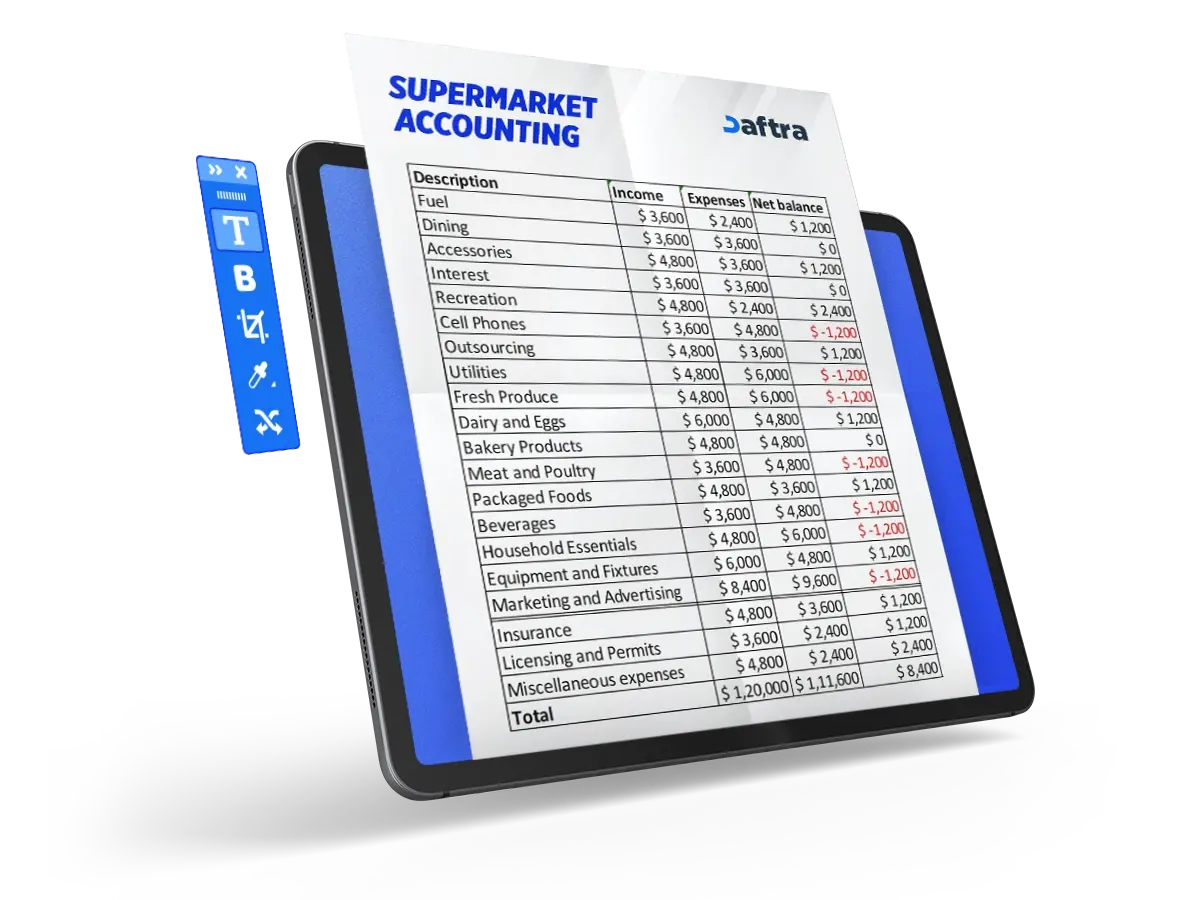
Supermarket Accounting Excel Template
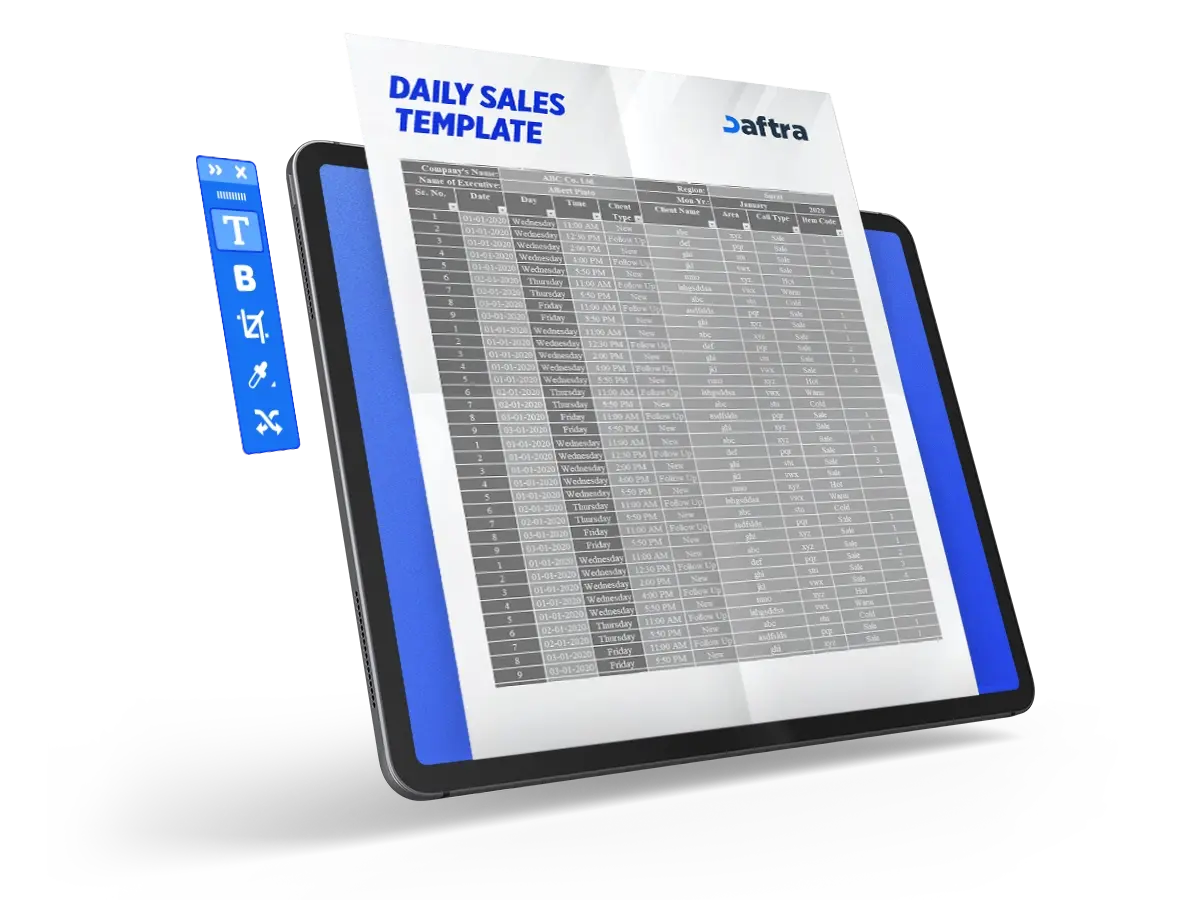
- A Supermarket Accounting Excel File is used to record daily sales, various expenses, and continuously update inventory data in order to monitor the movement of goods within the store.
- An Excel accounting file makes it easier to manage supermarket accounting by recording income and expenses, updating inventory, and tracking profit and loss on an ongoing basis.
- The file also helps track profit and loss and analyze the supermarket’s financial performance on a regular basis, which helps the store owner make better decisions for managing the business and increasing profitability.


 Run Your Supermarket Smarter with Daftra
How to Manage Supermarket Accounting?
Supermarket accounting can be managed efficiently by relying on integrated software that connects invoicing, accounting, and inventory management. This software helps organize daily operations and improve the store’s financial performance. Below are the main aspects that contribute to effective supermarket accounting:
1- Effective invoicing using advanced invoicing software: Invoicing is the first point of interaction with customers, so it is important for it to be fast and accurate. Advanced invoicing software helps speed up purchase transactions through barcode scanning, while automated calculations reduce human errors during invoice issuance. In addition, this software supports multiple payment methods, such as cards and e-wallets, while ensuring accurate tax calculation in line with tax requirements.
2- Financial management using smart accounting software: Accounting software plays an important role in organizing and managing supermarket financial accounting. It allows journal entries to be recorded automatically, which saves time and reduces errors. It also provides real-time financial reports that help store owners make decisions based on accurate data, while enabling them to track expenses, reduce unnecessary costs, and ensure compliance with different tax requirements.
3- Efficient inventory management through inventory management software: Inventory management is one of the most important elements of supermarket accounting, as integrated software helps monitor available quantities in real time. It also allows automatic alerts to be sent when products are close to running out, so they can be reordered at the right time. In addition, it makes it possible to track expiration dates for perishable products and generate accurate inventory movement reports to identify the best-selling items, which helps reduce waste and ensure continuous product availability.
How to Use the File to Manage Supermarket Accounting?
An Excel file can be used to manage supermarket accounting by following a set of steps that help record financial data and monitor store performance on an ongoing basis, as follows:
1- Record daily revenue:
Start by entering all daily sales in the revenue section of the file, whether they are cash sales or sales made through other payment methods, so that you can track total income accurately.
2- Enter expenses and costs:
Record all expenses related to operating the supermarket, such as the cost of purchasing goods and other operating expenses, in order to monitor and control spending.
3- Update inventory data:
Use the inventory section in the file to record products and available quantities, and update it whenever new goods are added or products are sold. This helps identify the remaining quantities and avoid stock shortages or overstocking.
4- Track profit and loss:
The profit and loss section in the file relies on the data recorded in revenue and expenses, allowing you to determine the net profit or loss over a specific period.
5- Review the data regularly:
Make sure to review the data and reports in the file on a regular basis to ensure the accuracy of the information and analyze the supermarket’s financial performance, which helps you make better decisions to improve management and increase profitability.
Related Template:
How to Improve Supermarket Management?
Supermarket management can be significantly improved through the use of integrated supermarket management software, as this software helps overcome many operational challenges and improve efficiency within the store. Below are the main ways in which this software contributes to improving supermarket management:
1- Improving inventory management:
Supermarket management software allows inventory to be tracked accurately through quantity monitoring and automatic replenishment procedures. This helps the store maintain appropriate stock levels and avoid both stockouts and overstocking.
2- Speeding up the checkout process:
Modern point-of-sale software provides advanced features that help complete sales transactions quickly and efficiently, reducing the time customers spend waiting in queues and improving the overall shopping experience inside the store.
3- Increasing employee productivity:
Workforce management software helps store owners organize work schedules and monitor employee performance, ensuring more efficient use of human resources and increasing team productivity.
4- Enhancing customer satisfaction:
Marketing tools such as customer relationship management (CRM) software make it possible to provide tailored offers and personalized marketing to customers, while also making it easier to manage inquiries and complaints, which contributes to improving customer satisfaction and loyalty.
5- Making better data-driven decisions:
Supermarket management software helps track key performance indicators and provides real-time data and reports, giving managers clear insights that help them develop business strategies and improve efficiency and productivity within the store.
What Is the Best POS Software for a Supermarket?
Daftra’s Point of Sale software offers a wide range of features that make it an ideal choice for different business activities, regardless of their size or type. Below are the main services and advantages provided by Daftra’s POS software:
1- POS software compatible with different devices:
Daftra’s Point of Sale (POS) software works on a variety of devices, including computers, smartphones, and tablets running on Android and iOS, giving businesses great flexibility in managing sales operations from anywhere.
2- POS software that works online and offline:
Daftra’s Point of Sale software can operate both with and without an internet connection. If the connection is interrupted, sales transactions can continue normally, and all transactions are then automatically synced with the cloud-based software once the internet connection is restored.
3- Officially approved cloud-based POS software:
Daftra’s POS management software is officially approved by a number of government entities, such as the Zakat, Tax and Customs Authority in Saudi Arabia and the Egyptian Tax Authority, making it compliant with tax and regulatory requirements.
4- Full integration with ERP software:
Daftra’s barcode POS software integrates with the rest of the ERP software provided through the platform, such as accounting software, sales management software, and HR software, allowing all business operations to be managed through one integrated solution.
5- Easy-to-use POS software:
Daftra’s cashier software features a simple and user-friendly interface, making it easier for users to carry out daily operations quickly, such as issuing invoices, sales receipts, and managing different transactions without complexity.
6- Integrated accounting and POS software:
Daftra’s Point of Sale software provides an integrated solution that combines sales management and accounting. It also allows control over POS devices across different branches, supports the assignment of cash float or custody to employees, and helps manage work shifts with high efficiency.
How to Calculate Supermarket Profits?
Supermarket profits can be calculated by analyzing different profit margins, which are considered key indicators for measuring the efficiency of the business and its ability to generate profit. Profit margins are divided into three main types, each of which reflects a different aspect of the store’s financial performance:
1- Gross profit margin:
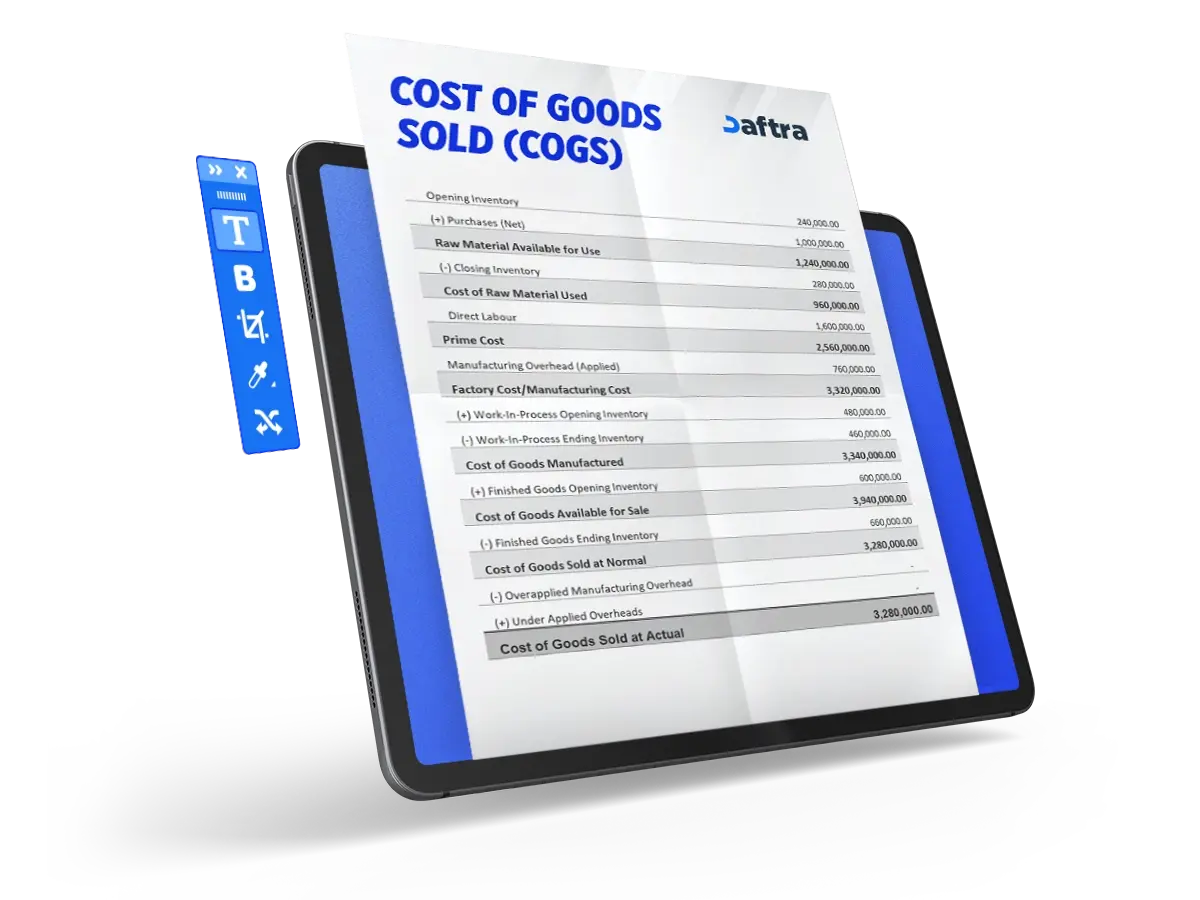
This is the simplest measure of supermarket profitability. It is calculated by subtracting the cost of goods sold from total revenue. The cost of goods sold includes expenses directly related to purchasing or producing the goods offered for sale, such as the cost of products and materials. This margin reflects the amount of profit remaining after covering the direct cost of goods.
Gross Profit Margin = (Gross Profit ÷ Revenue) × 100
2- Operating profit margin:
This is a more comprehensive measure because it is not limited to the cost of goods sold only, but also includes operating expenses, administrative expenses, and selling expenses required to run the supermarket on a daily basis. However, it does not include debt obligations, taxes, and certain other non-operating expenses. This margin helps evaluate how efficiently the store’s day-to-day operations are being managed.
Operating Profit Margin = (Operating Profit ÷ Revenue) × 100
3- Net profit margin:
Net profit margin presents the full picture of supermarket profitability, as it reflects the business’s ability to convert revenue into actual profit. It is calculated after deducting all expenses from total revenue, including the cost of goods sold, operating expenses, taxes, debt payments, and any other expenses. This is considered one of the most important indicators relied upon by business owners and investors to evaluate financial performance.
Net Profit Margin = (Net Profit ÷ Revenue) × 100
These calculations help track profits and analyze the supermarket’s financial performance in an organized manner.
You can also use Daftra’s Profit Margin Calculator to make it easier to calculate different profit margins.
How Does Daftra Help You Manage Supermarket Accounting?
Daftra helps you manage supermarket accounting with greater accuracy and ease by automating all financial and administrative processes inside the software, without the need to rely on manual files. Transactions are recorded and results are calculated automatically inside the software, which reduces human error and gives you accurate, up-to-date data at any time. Below are the main advantages it offers:
1- Improving cash flow:
Daftra’s supermarket management software helps automate inventory monitoring, which reduces the problem of excess stock or stock shortages. This contributes to reducing waste and improving cost efficiency, which in turn helps maintain more stable cash flow — an essential factor in managing a supermarket efficiently.
2- Enhancing customer experience:
The software relies on customer data analysis to provide tailored offers and discounts that match customer needs, which increases customer satisfaction and loyalty. It also contributes to boosting sales and delivering a better shopping experience.
3- Simplifying daily operations:
Process automation helps reduce human error and save time and effort. It also enables better resource management, which supports business growth and makes supermarket or grocery store management smoother and more efficient.
4- Accessing real-time data:
Daftra software provides reports and data updated in real time, helping store owners make quick and informed decisions based on accurate information, while giving them a stronger ability to compete in the market.
5- Reducing operating costs:
Daftra software contributes to improving employee management and reducing labor costs, in addition to enhancing inventory efficiency and executing data-driven promotional offers, which helps lower overall costs and increase profitability.
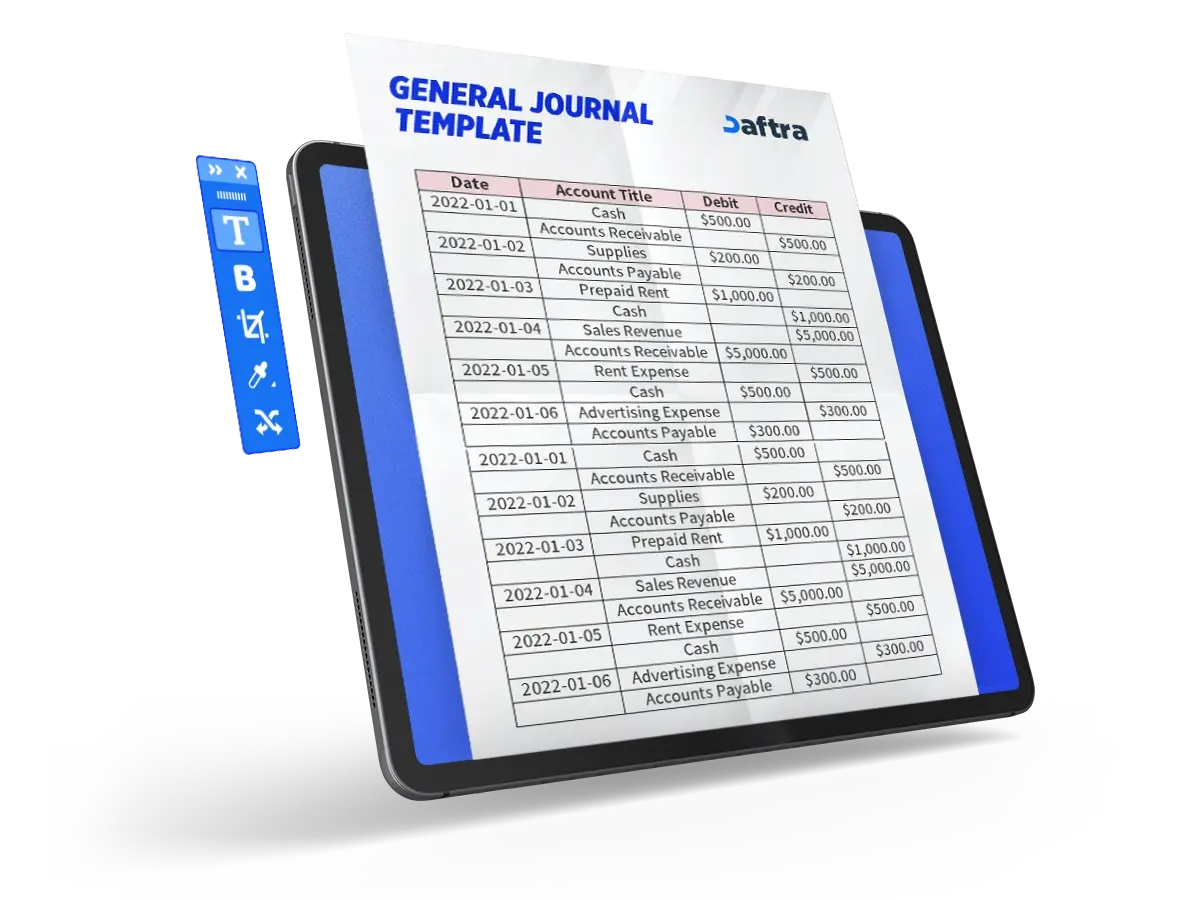
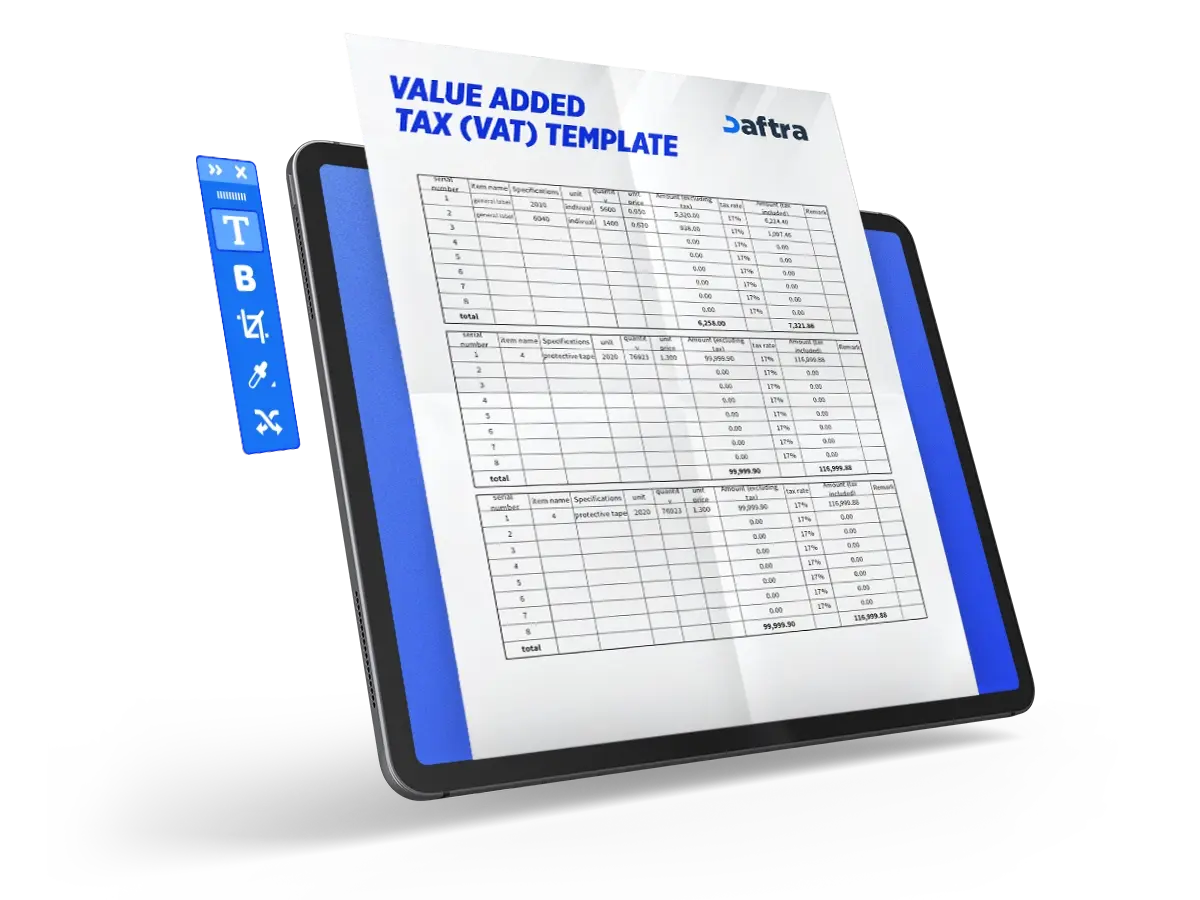







 Invoicing
 POS
POS Offers
 Installments
 Sales Commission
 KSA E-Invoice Software
 EGY E-Invoice Software
 JO E-Invoice Software
 E-Invoice Software
 Chart of Accounts
 Asset Management
 Cost Centers
 Expenses
 Cheque Cycle
 UAE VAT-Tax
 Product Management
 Purchases
 Purchase Cycle
 Suppliers
 Requisitions
 Stocktaking
 Organizational Structure
 Personnel Management
 Attendance and Leave
 Contracts
 Payroll
 Requests
 Work Orders
 Booking Management
 Rental and Unit Management
 Time Tracking
 Work Flow
 Lease Contracts
 Manufacturing Management
  Client Follow-Up
 Loyalty Points
 Points and Credits
 Memberships
 Insurance Management
 Daftra ERP Full App
 Point of Sales App
 Point of Sales for Desktop – Support Offline Mode
 AI Expenses Scanner App
 Employee Attendance, Sign & ESS App
 E-invoice Reader App
 Inventory Stocktaking App