


Posted on 14 April 2026
Billing Template
- The billing template is available in Google Docs and Sheets and is easy to edit and customize.
- This template ensures compliance with UAE VAT regulations.
- It improves transparency between the seller and the buyer.


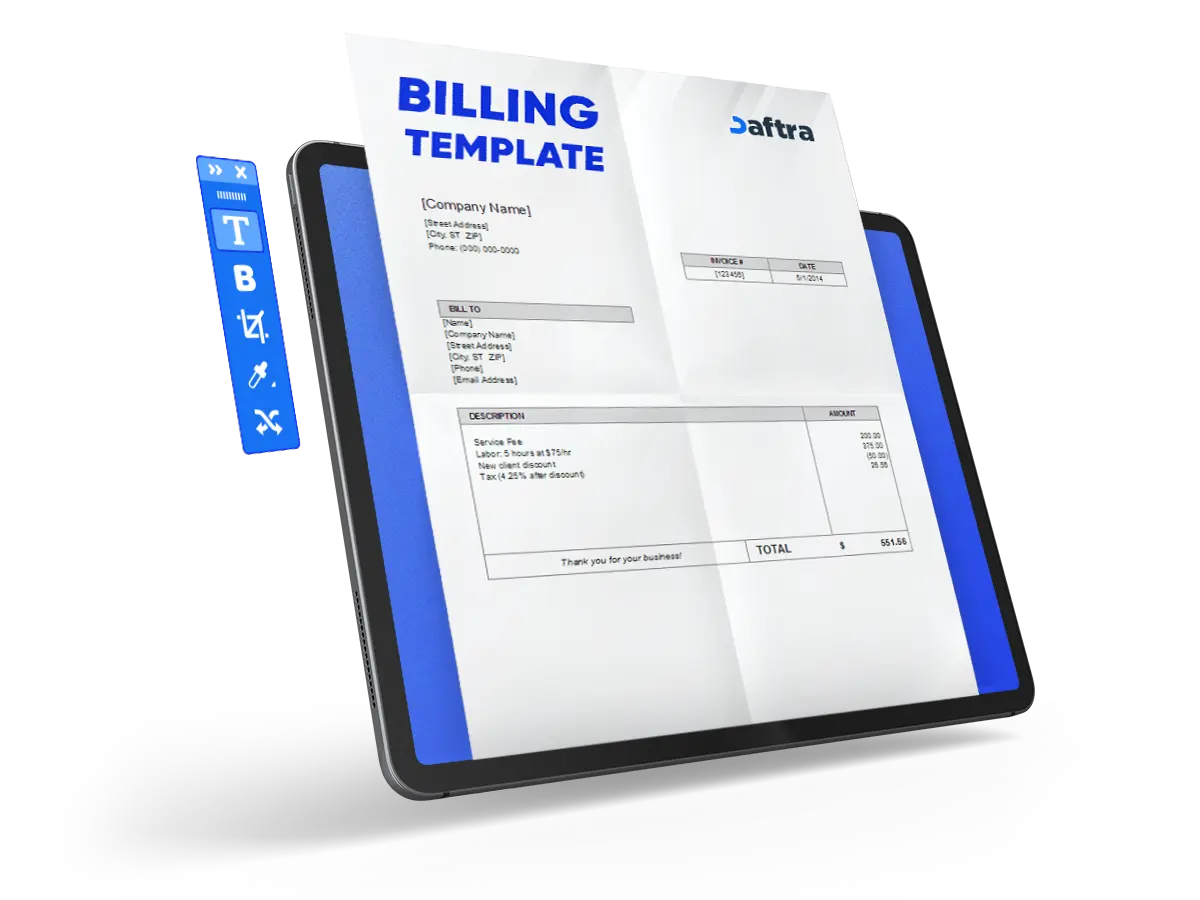
 Manage Your Billing Process Easily with Daftara
What is the Billing Template?
The billing template is a document that is used to create invoices or bills, which helps businesses request payment for their products or services, including both parties' information, the items provided, prices, and tax.
This template is used to ensure the consistency of the client and simplify the process of creating and generating invoices easily when needed. It is available in Google Docs and Sheets for easy editing and is fully customizable to add the company logo, notes, payment methods, and others.
What Are the Elements of the Billing Template?
A billing template helps businesses to maintain both parties' rights, as well as maintain accurate financial records of the sales. Using this template will help your business to reduce errors in common manual billing processes. Here are the Elements of the Billing Template:
- Invoice Number
- Company and Client information: name, number, and address.
- Invoice date
- Payment details like bank account number.
- Table of items of services or products provided, clearing the unit price, quantity, and VAT.
- Notes section
- Subtotal, TAX, and Total amount.
Why is the UAE Billing Template Important?
The UAE billing is important to ensure compliance with UAE VAT regulations and issue accurate invoices, providing the required data to tax filing and financial reporting. Here are some points describing the importance of the Billing Template:
- Creating professional and standard billings builds trust between the seller and buyer.
- Reduces the common manual billing mistakes.
- The billing template improves the transparency between the two parties by clearly listing the items, unit prices, and VAT.
- Supports the accounting and bookkeeping records.
- This template is used in audits and financial reviews.
- It is available in Google Docs and Sheets, which are editable and customizable.
- You can send it by email or print it for clients.
How To Fill Out Your Billing Template?
- Fill out the Invoice Number
- Fill in your company name, address, and phone number
- Then Fill out the following:
Payment Info: [Your Payment Details]
Bank account number: [Your Payment Details]
1. Invoice Date
Invoice Date: 02/09/2021
Due Date: 02/24/2021
2. Fill out the Client Data section
[Client's Company Name]
[Client's Company Address Line 1]
[Client's Company Address Line 2]
[Client's Company Address Line 3]
3. Fill out the Items, prices, and VAT details
[Description: Product or Service]
[Quantity: number of items]
[Unit Price]
[Subtotal]
[TAX]
The Subtotal, TAX, and Total will be calculated automatically.
Fill in the Notes section
Who uses the Billing Template in Google Docs and Sheets?
The billing template in Google Docs and Sheets is used by small and medium businesses, freelancers, startup companies, and e-commerce businesses because this template is editable and fully customizable and can be sent by email or printed. Also, it is auto-calculated, which reduces the chances of wrong price calculations.
Why use Daftra to generate a Billing Template?
Daftra helps businesses to create professional invoices simply and quickly by providing ready-made templates for billing and others; they can be edited and customized to what your business needs and requires.
This template is good to use because it reduces calculation and data entry errors, as well as ensures VAT-compliant invoices for UAE businesses. Furthermore, Daftra allows you to keep all invoices organized in one place, easy and quick to access for audits and financial reports.







 Invoicing
 POS
POS Offers
 Installments
 Sales Commission
 KSA E-Invoice Software
 EGY E-Invoice Software
 JO E-Invoice Software
 E-Invoice Software
 Chart of Accounts
 Asset Management
 Cost Centers
 Expenses
 Cheque Cycle
 UAE VAT-Tax
 Product Management
 Purchases
 Purchase Cycle
 Suppliers
 Requisitions
 Stocktaking
 Organizational Structure
 Personnel Management
 Attendance and Leave
 Contracts
 Payroll
 Requests
 Work Orders
 Booking Management
 Rental and Unit Management
 Time Tracking
 Work Flow
 Lease Contracts
 Manufacturing Management
  Client Follow-Up
 Loyalty Points
 Points and Credits
 Memberships
 Insurance Management
 Daftra Bussiness App
 POS App
 POS desktop application
 Expense Scanner App
 ESS Application
 E-invoice Reader App
 Stocktaking App