


Posted on 2 September 2026
Leave Request Template
- A Leave Request Template supports leave management by documenting the number of approved leave hours and the remaining leave balance for each employee.
- The template reduces disputes related to leave by documenting requests and promoting transparency between the company and its employees.
- It also helps managers make sound decisions regarding leave requests by providing accurate and relevant details.


 Register in Daftra HR management software and automated leave management
What Is a Leave Request Template?
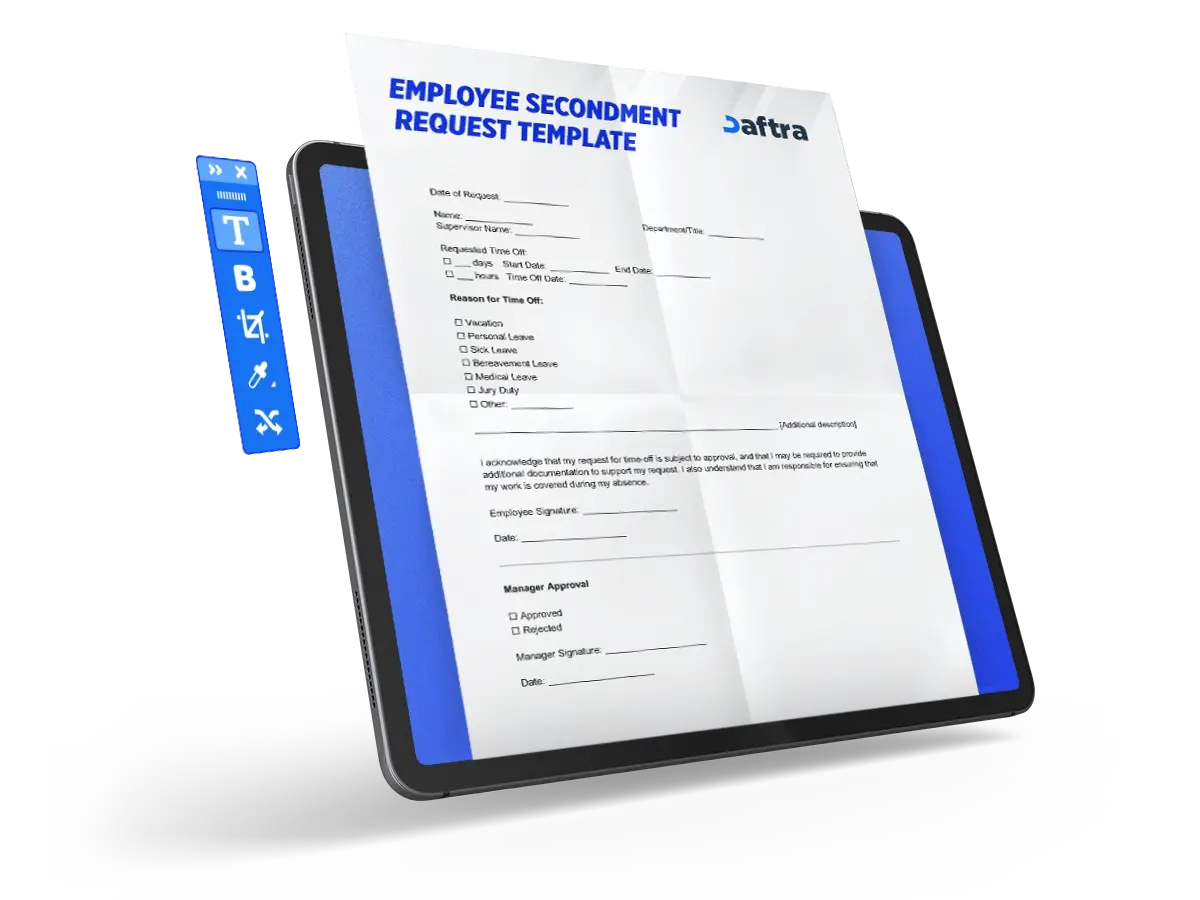
A Leave Request Template is a document used by companies to organize leave requests. Employees use it to request permission for leave for a specified period by completing the form and submitting it to the manager or supervisor. It contains the employee’s basic details, along with the number of requested hours or days and the reason for the leave request, whether for personal, medical, or emergency purposes.
What Are the Elements of a Leave Request Template?
A Leave Request Template consists of several important elements:
1- Employee Details Table
- Employee Name: The full name of the employee submitting the leave request.
- Employee Number: The identification number assigned to the employee in the system.
- Today’s Date: The date on which the request is submitted.
- Email Address: The employee’s email address.
- Home Phone Number: The employee’s home telephone number.
- Phone Number: The employee’s personal phone number.
- Department Name: The department in which the employee works.
- Supervisor Name: The name of the employee’s direct supervisor.
2- Leave Details Table
- Start Date: The date on which the requested leave begins.
- End Date: The date on which the requested leave ends.
- Requested Hours: The total number of hours requested for leave.
- Leave Code: The code assigned to the type of leave requested.
3- Signature Tables
- Employee Name: The full name of the employee signing the request.
- Signature: The employee signs here as confirmation.
- Date: The date of the employee’s signature is recorded here.
- Supervisor Name: The full name of the supervisor reviewing the request.
- Signature: The supervisor signs here as evidence of approval.
- Date: The date of the supervisor’s signature is recorded here.
4- Leave Code Table
- Description: A brief description of the leave type is written here.
- Code: The leave code as approved in the system.
5- Administrative Table
- Approved Leave Hours: The number of leave hours or days approved.
- Remaining Leave Balance: The number of remaining hours that the employee can use as leave.
- Updated By: The name of the person who updated the information.
Why Is a Leave Request Template Important?
This template contributes to several important and essential aspects for companies, including:
1- Maintaining workflow
The template provides accurate details about leave requests, which helps determine priorities among different requests and reduces the possibility of approving overlapping leave periods. This helps maintain workflow and ensures that working hours and leave are distributed properly among employees.
2- Promoting transparency
It documents leave requests officially, which protects employee rights and reduces disputes related to leave by promoting transparency between employees and managers.
3- Managing leave
The template records the number of approved leave hours and the employee’s remaining leave balance, which contributes to structured leave management and prevents unnecessary accumulation. It also reduces the likelihood of approving a leave request that the employee is not entitled to, because the employee may have already used their full leave balance.
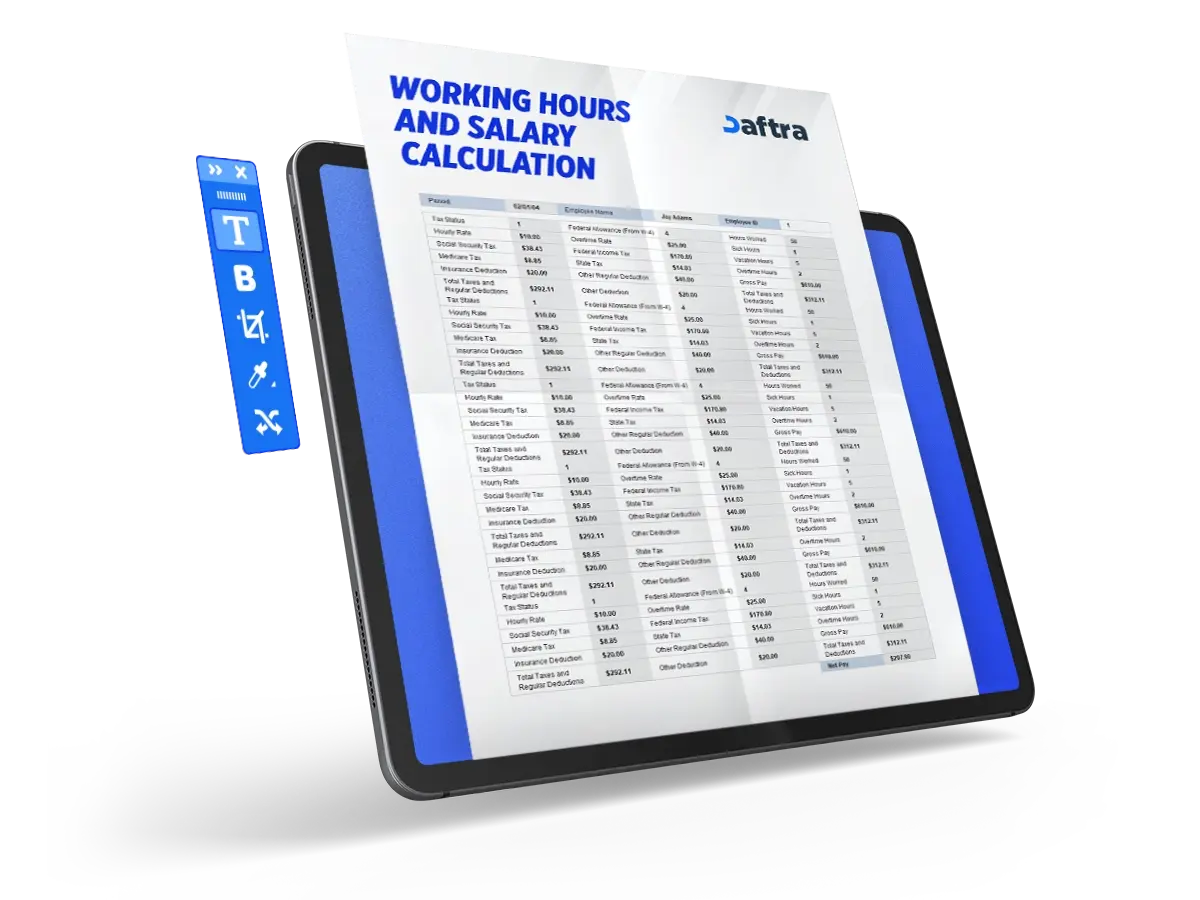
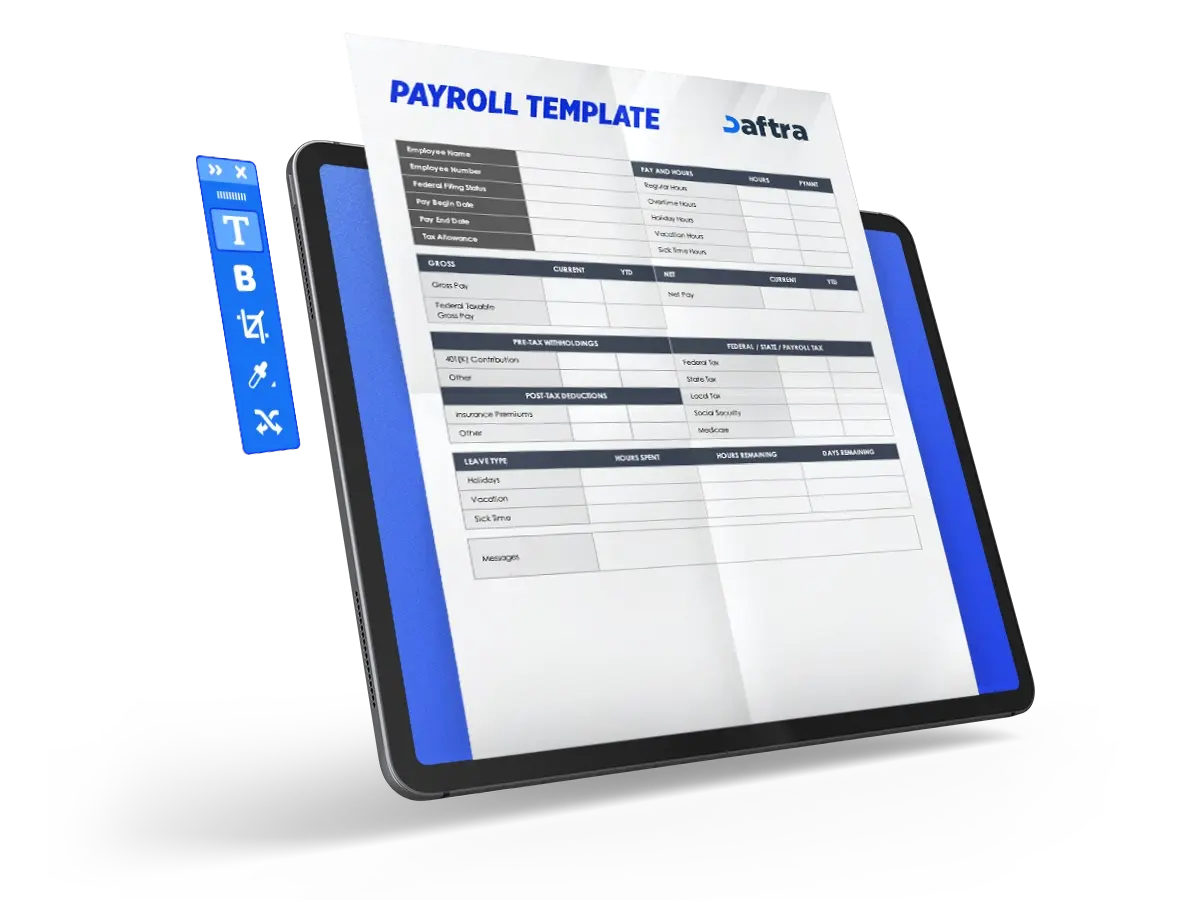
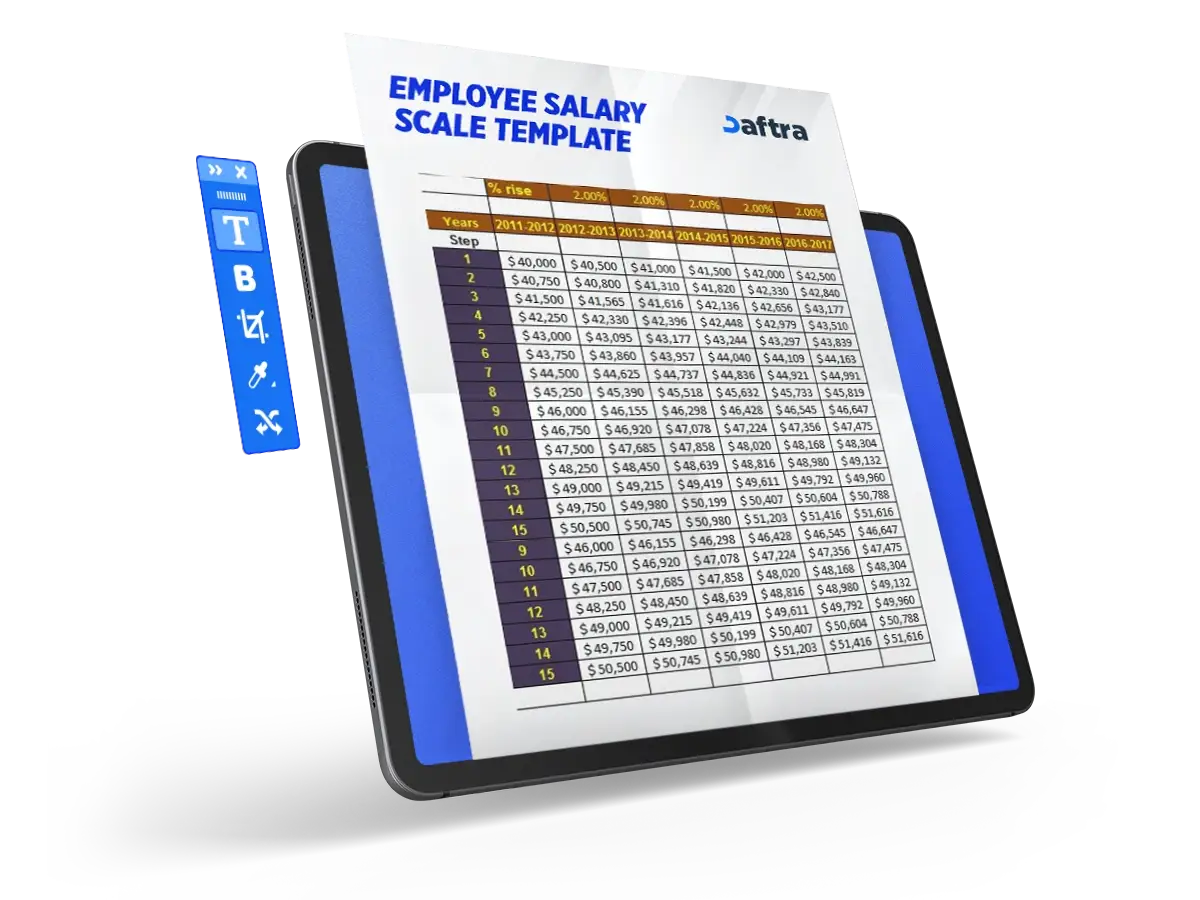
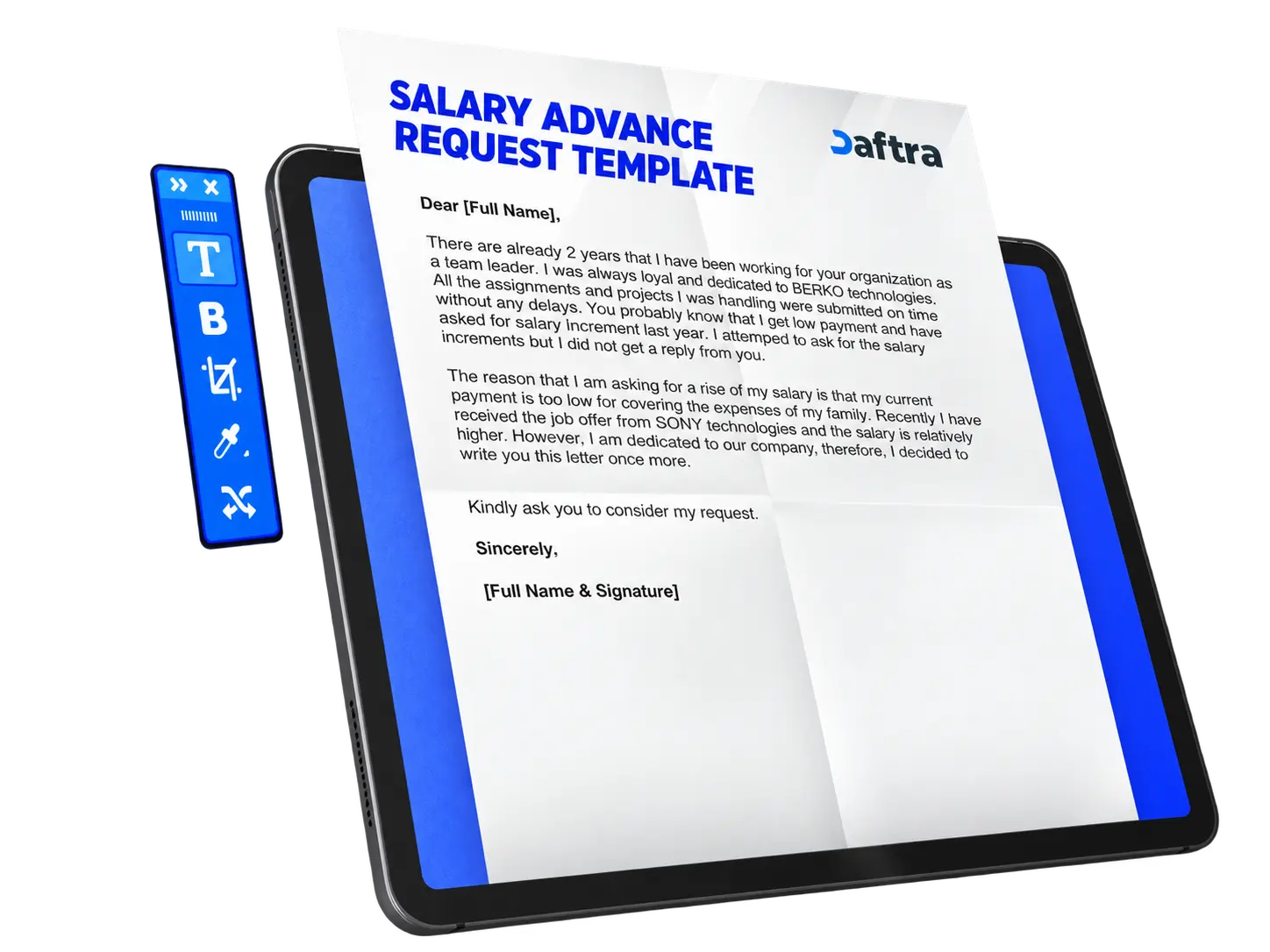
You can also download:
How Is a Leave Request Template Used?
A Leave Request Template is used by following these steps:
1- Complete the form
Complete the form and enter the required data such as your name, employee number, department, supervisor name, leave request date, number of leave days needed, leave type, and other relevant details.
2- Review the information
Review the information to make sure it is correct, then sign in the space designated for the employee’s signature.
3- Submit the request to the manager
After reviewing the details and signing the form, submit the request to the manager or supervisor.
4- Manager approval
After receiving the request, the manager or supervisor determines the decision on the form, whether approval or rejection, based on the provided information. The manager then completes the administrative table and records the employee’s remaining leave balance. After reviewing the form, the manager signs in the designated space to document the decision.
5- Document the request
The form is then filed in the Human Resources records for documentation and future reference when needed.
Who Benefits from a Leave Request Template?
Many categories and stakeholders benefit from this template, including:
1- Employees
It helps employees submit leave requests in an official manner and ensures that their requests are documented, which protects their rights and creates transparency between them and the company. It also enables them to access their requests easily when needed.
2- Company managers
It helps them make sound decisions regarding the approval or rejection of leave requests by providing accurate details about the request and the employee’s remaining leave balance in hours.
3- Human Resources staff
The template makes it easier for them to document and track leave requests, which helps them distribute work more evenly among employees and avoid the absence of a large number of staff at the same time.







 Invoicing
 POS
POS Offers
 Installments
 Sales Commission
 KSA E-Invoice Software
 EGY E-Invoice Software
 JO E-Invoice Software
 E-Invoice Software
 Chart of Accounts
 Asset Management
 Cost Centers
 Expenses
 Cheque Cycle
 UAE VAT-Tax
 Product Management
 Purchases
 Purchase Cycle
 Suppliers
 Requisitions
 Stocktaking
 Organizational Structure
 Personnel Management
 Attendance and Leave
 Contracts
 Payroll
 Requests
 Work Orders
 Booking Management
 Rental and Unit Management
 Time Tracking
 Work Flow
 Lease Contracts
 Manufacturing Management
  Client Follow-Up
 Loyalty Points
 Points and Credits
 Memberships
 Insurance Management
 Daftra ERP Full App
 Point of Sales App
 Point of Sales for Desktop – Support Offline Mode
 AI Expenses Scanner App
 Employee Attendance, Sign & ESS App
 E-invoice Reader App
 Inventory Stocktaking App