


Posted on 5 October 2026
Daily Sales Template
- The daily sales template identifies the best-selling products and the items that need restocking by tracking daily sales.
- The template provides accurate data about daily sales, helping businesses track and manage sales activity.
- It also helps business owners analyze their company’s financial performance and maintain business continuity.


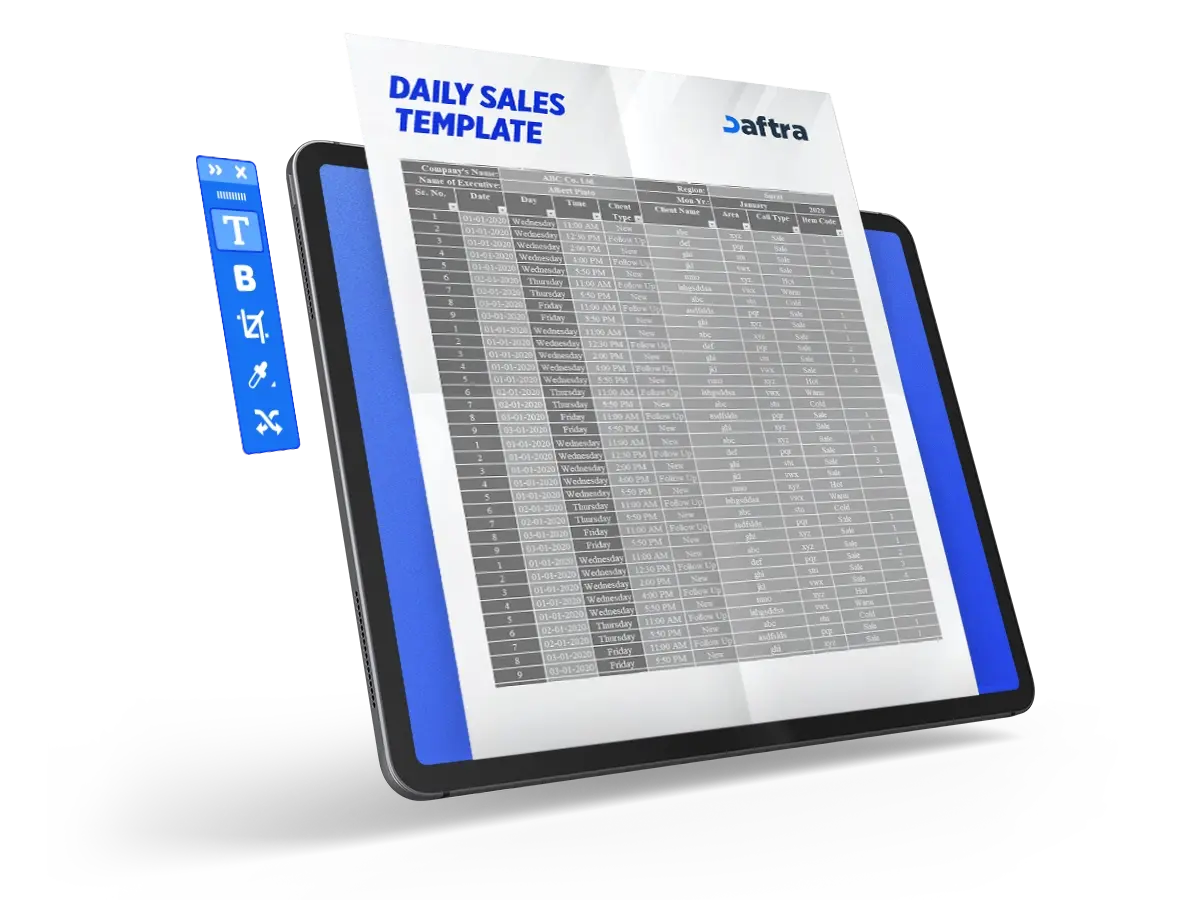
 Simplify your daily sales tracking with Daftra
What Is a Daily Sales Template?
A daily sales template is a document used every day to record and document daily sales data for companies and projects in order to calculate total taxes and sales. The template includes sales details such as the product number, product name, description, price, quantity sold, and tax rate.
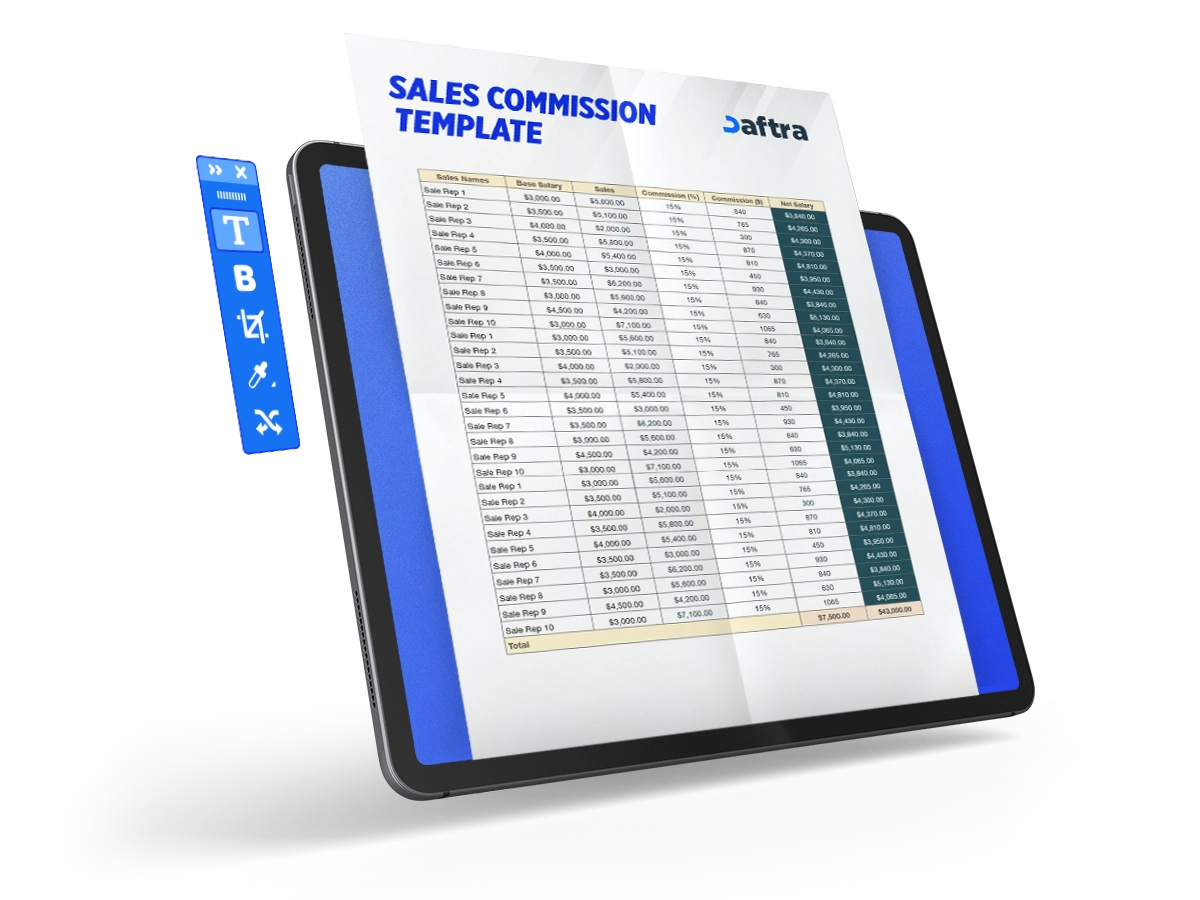
Use the sales commission calculator to calculate sales employees’ commission percentages automatically and for free.
What Are the Elements of a Daily Sales Template?
The template contains a set of essential elements that help document all details related to sales:
- Date: This field records the day on which sales are being entered.
- Salesperson: The name of the person responsible for documenting and recording sales.
- Sales: The total sales value before adding any taxes. The template calculates it automatically based on the entered data.
- Sales Tax: The total taxes due on sales. The template calculates it automatically based on the tax data entered.
- Total Sales: The final sales total after deducting total taxes from sales. The template calculates it automatically based on the entered data.
- Item Number: The number assigned to each product in the database.
- Item Name: The name of the product whose data is being recorded.
- Item Description: This field includes additional details about the product.
- Price: The price of one product unit, meaning the amount required to purchase a single unit.
- Quantity: The number of units sold for each product.
- Value: The total amount for each quantity sold of the product. It is calculated by multiplying the product price by the quantity, and the template calculates it automatically.
- Tax Rate: The product-specific rate applied to sales in order to calculate taxes.
- Tax: This field records the tax value calculated based on the total amount and the tax rate. The template calculates it automatically based on the entered data.
- Total: The final total for the product’s sales after adding tax.
- Inventory List Table: A table where you enter the data of products available in your inventory to make preparing the daily sales template easier. It allows product data to be filled automatically when preparing the template. The table consists of the item name, item number, description, and price.
Use the VAT calculator for Saudi Arabia to calculate any tax percentage automatically and for free.
Why Is a Daily Sales Template Important?
The template contributes to several important areas:
1- Tracking Daily Performance
It organizes sales-related data, helping track daily performance and maintain business continuity by supporting timely decision-making.
2- Sales Management
The template helps manage sales more effectively by monitoring daily product demand. This helps identify the best-selling products and the items that need restocking, which improves sales and supports better results.
3- Financial Performance Analysis
The template provides an accurate database of daily sales, helping analyze the company’s financial performance.
4- Maintaining Business Continuity
It helps identify seasonal sales trends for each product, supporting suitable decisions about price adjustments or marketing strategy changes in order to maintain sales and keep operations running.
5- Preventing Financial Manipulation
The template documents all sales data and transactions accurately, which supports transparency and reduces the chances of embezzlement or manipulation of financial data.
How Is a Daily Sales Template Used?
The template is used by following these steps:
1- Prepare the Inventory List Table
Collect and enter all data related to the products available in inventory, including item number, name, description, and price, in the inventory list table. This records the data and makes it easier to automatically fill product information in the remaining steps.
2- Enter Data and Select Products
When you start recording sales, you can select products from the drop-down list in the template, which is based on the products previously entered in the inventory list. This makes it easier to enter data accurately. Then enter the required details in their dedicated fields, such as the quantity sold for each product, the applicable tax rate, and the price for each product.
3- Calculate Sales and Taxes
Once the quantity and tax rate data are entered, the template automatically calculates the total sales amount and tax for each product, making it easier to document the data accurately.
4- Review the Data
Review all entered data to make sure it is correct.
5- Save a Copy
After that, save a copy of the template in the records file to ensure daily data remains available when needed and can be used for reporting.
6- Prepare Financial Reports
Finally, you can use the data recorded in the template to create financial reports and analyze daily sales performance.
Who Benefits from a Daily Sales Template?
Many parties benefit from the template, including:
1- Business Owners
The template helps them monitor and analyze daily sales performance, giving them a clear picture of their company’s financial performance.
2- Sales Managers
Sales managers use it to monitor product demand levels, helping them make better decisions to increase sales efficiency.
3- Accountants
The template helps them document and audit daily financial transactions and prepare reports accurately.
4- Investors
It provides investors with accurate sales data, helping them evaluate company performance and make investment decisions.
5- Purchasing Team
The purchasing team uses it to identify the products that need to be restocked and to maintain continuous product availability in inventory by relying on accurate data about best-selling products.
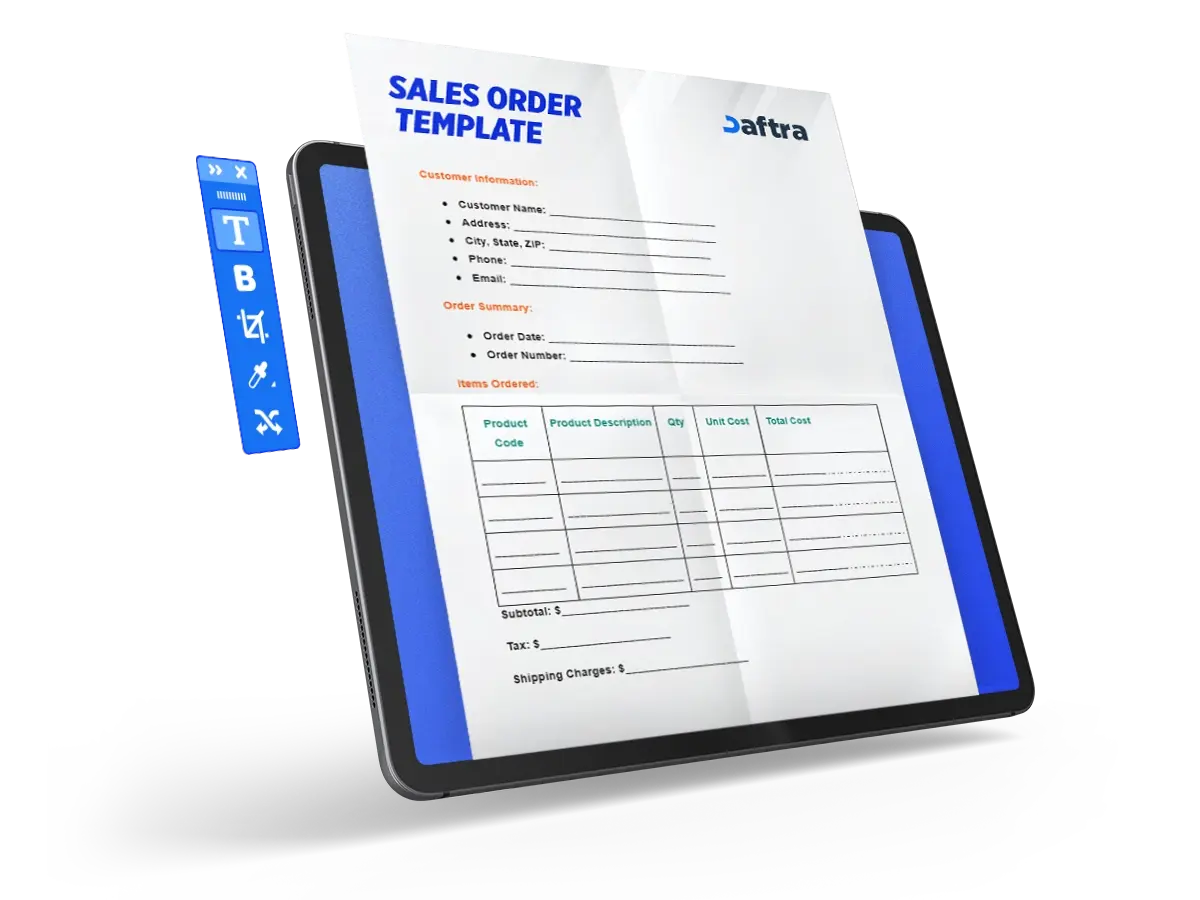
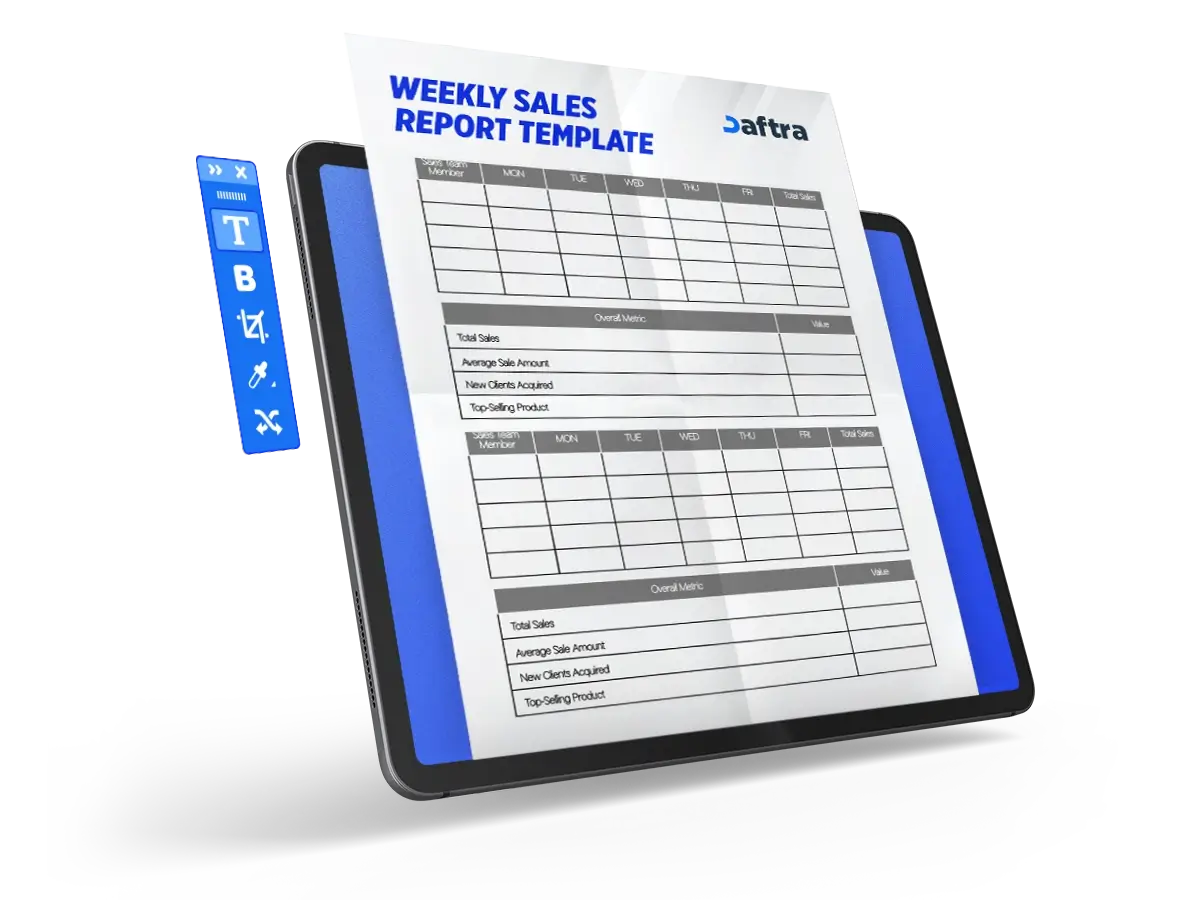
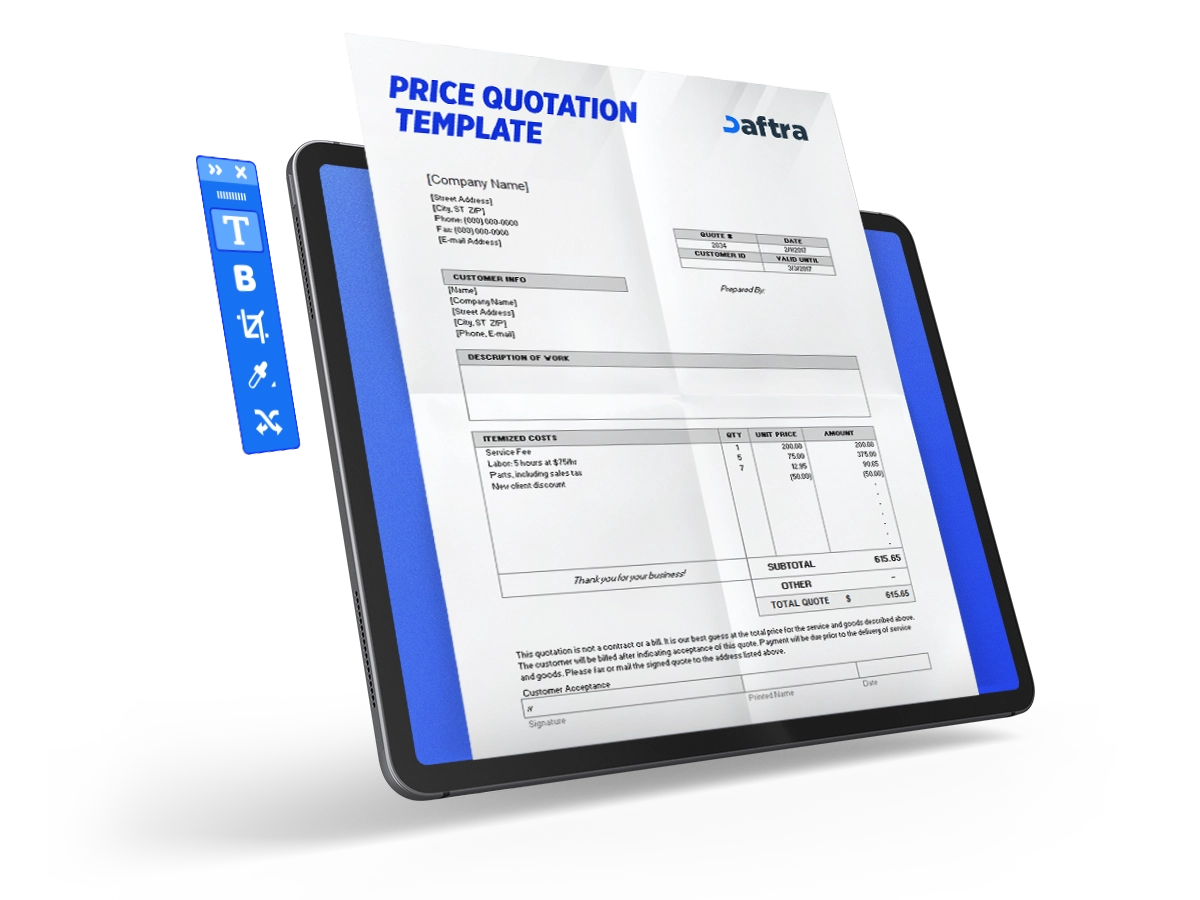







 Invoicing
 POS
POS Offers
 Installments
 Sales Commission
 KSA E-Invoice Software
 EGY E-Invoice Software
 JO E-Invoice Software
 E-Invoice Software
 Chart of Accounts
 Asset Management
 Cost Centers
 Expenses
 Cheque Cycle
 UAE VAT-Tax
 Product Management
 Purchases
 Purchase Cycle
 Suppliers
 Requisitions
 Stocktaking
 Organizational Structure
 Personnel Management
 Attendance and Leave
 Contracts
 Payroll
 Requests
 Work Orders
 Booking Management
 Rental and Unit Management
 Time Tracking
 Work Flow
 Lease Contracts
 Manufacturing Management
  Client Follow-Up
 Loyalty Points
 Points and Credits
 Memberships
 Insurance Management
 Daftra ERP Full App
 Point of Sales App
 Point of Sales for Desktop – Support Offline Mode
 AI Expenses Scanner App
 Employee Attendance, Sign & ESS App
 E-invoice Reader App
 Inventory Stocktaking App